Chapters
01
The problem
Prayer times shift every day with the sun, so a fixed alarm is wrong within days. People also wake for Fajr differently from how they want to be reminded at Dhuhr.
02
Design decisions
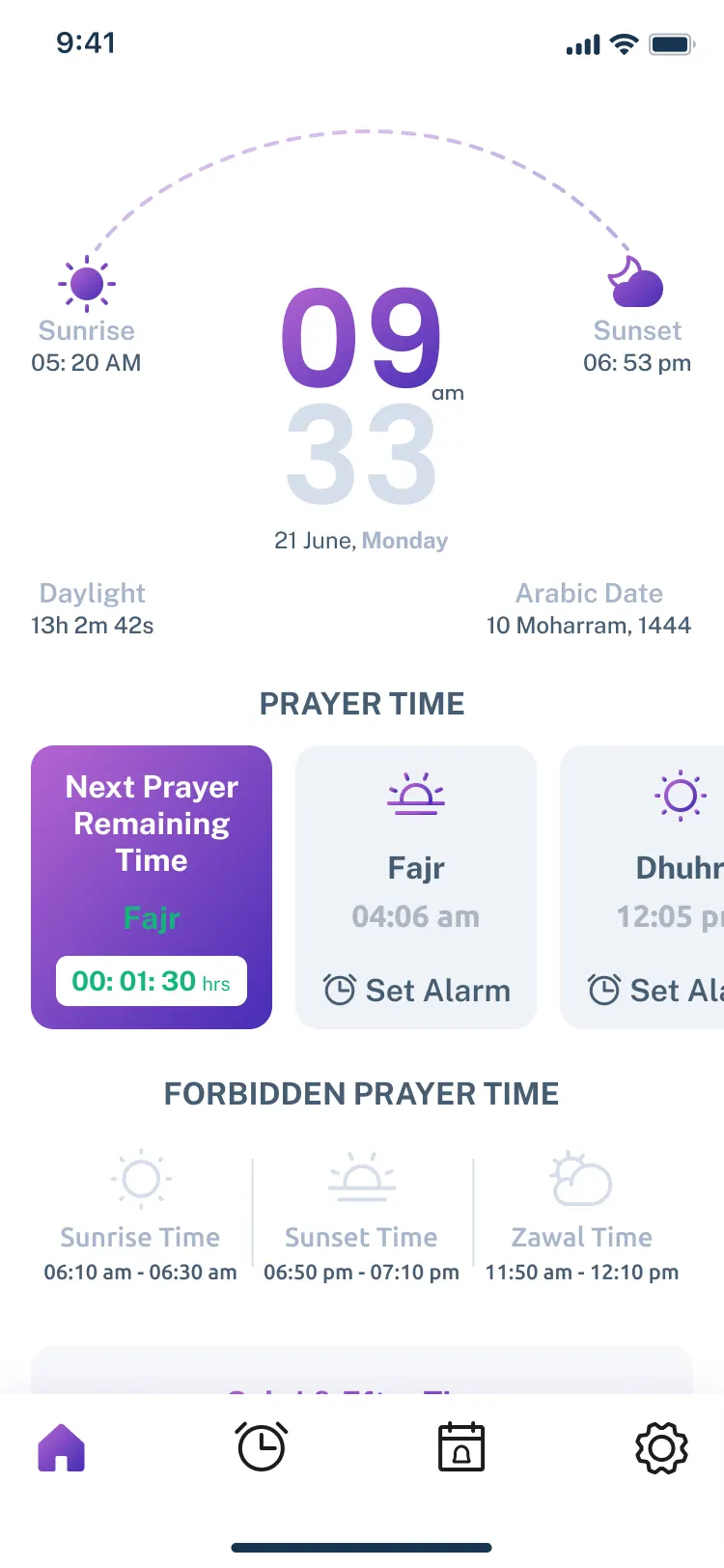
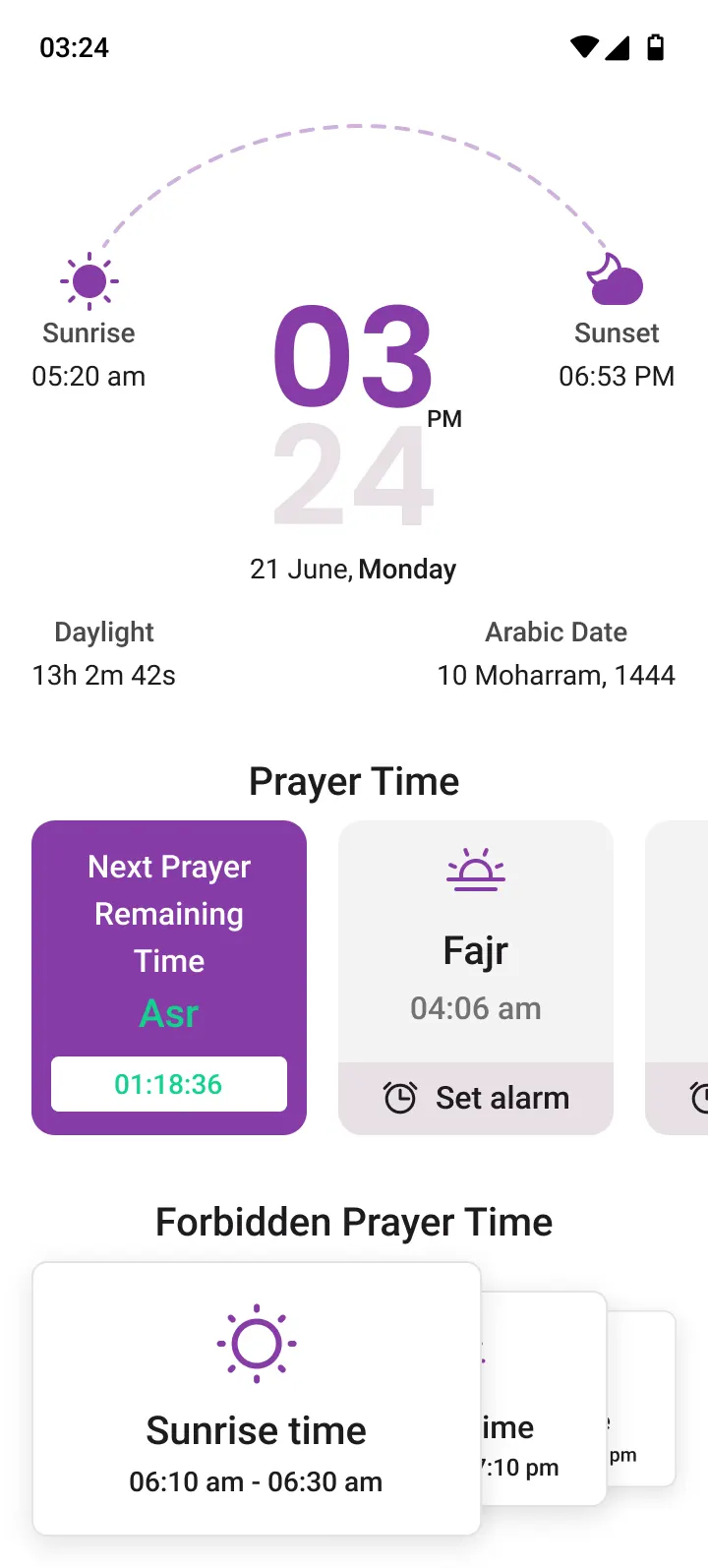
The next prayer on Home
- Decision
- Home shows the next prayer and the time left, sunrise and sunset on an arc, and the forbidden prayer times below.
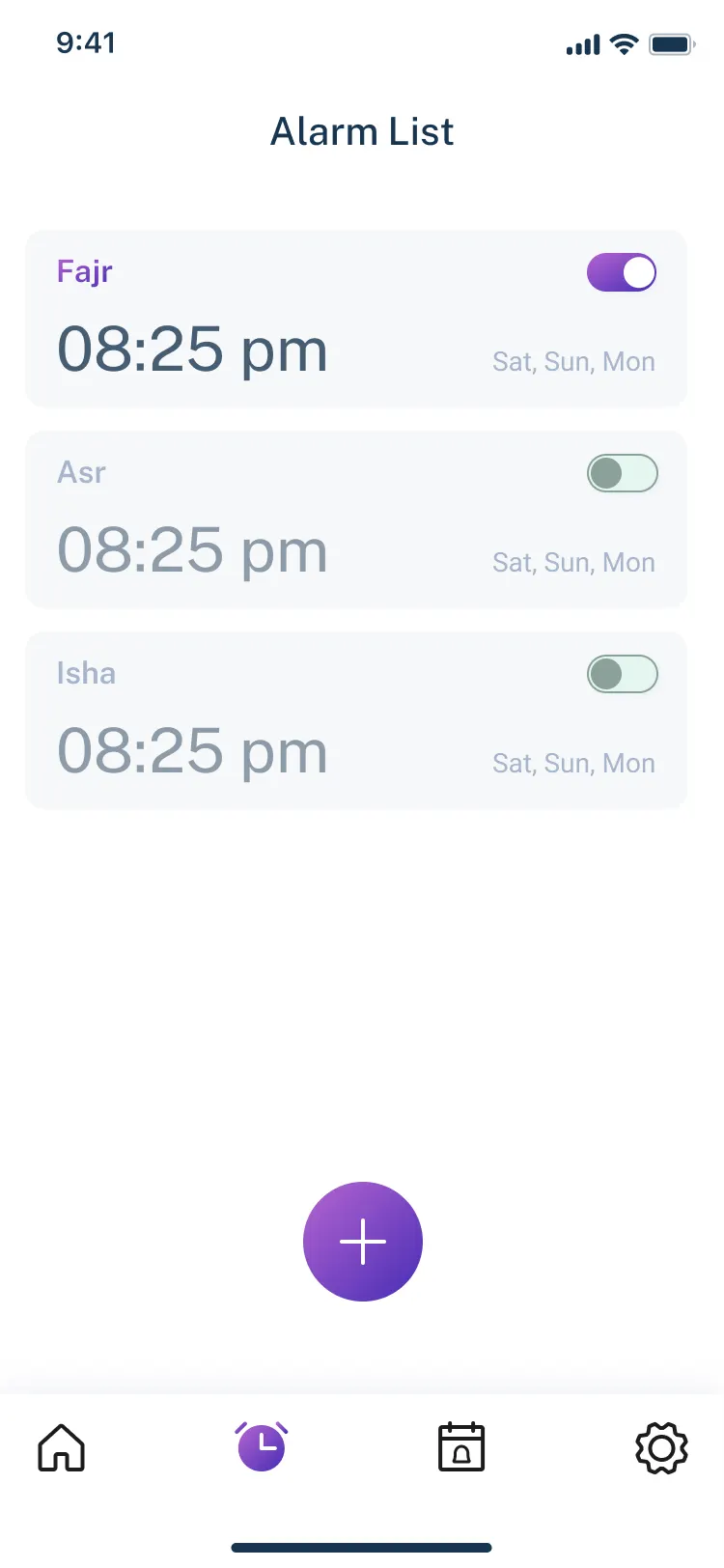
One switch per prayer
- Problem
- People want some prayers on and others off.
- Decision
- The alarm list has one row per prayer with its own on/off toggle, so turning on Asr does not touch Fajr.
Alarms set relative to the prayer
- Problem
- A fixed clock time goes out of date as prayer times move.
- Decision
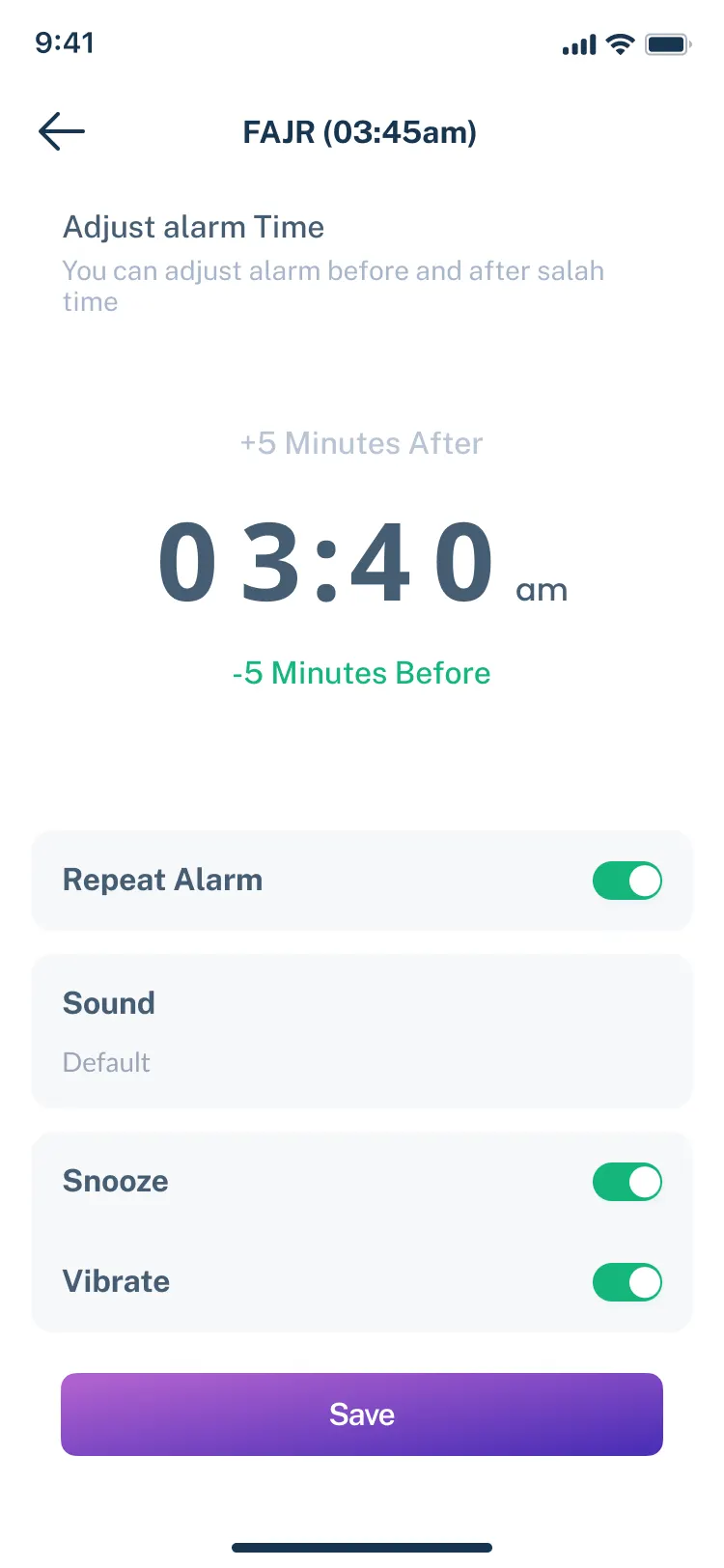
- The alarm is set in minutes before or after the prayer (for example “5 minutes before”), with repeat, sound, snooze and vibrate.
Each prayer has its own sky
- Decision
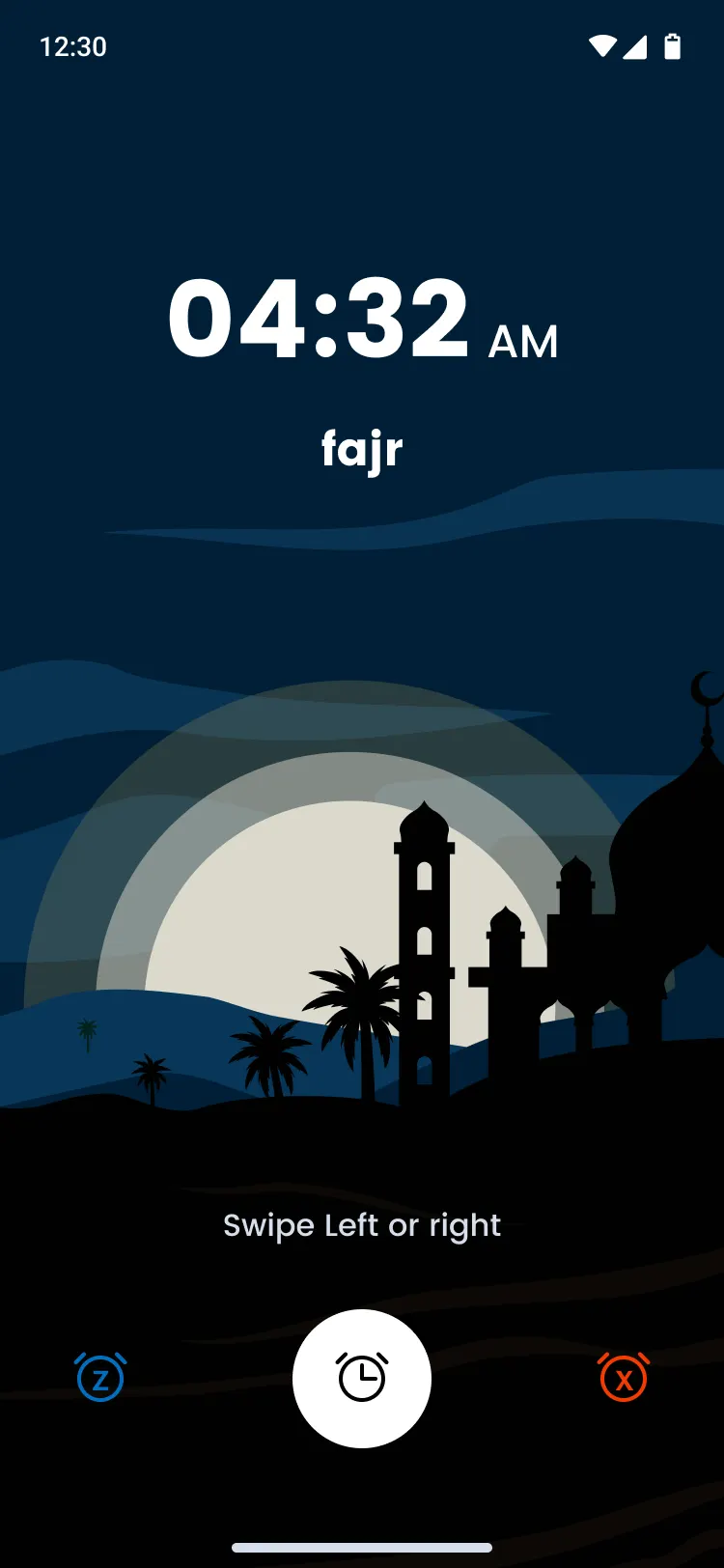
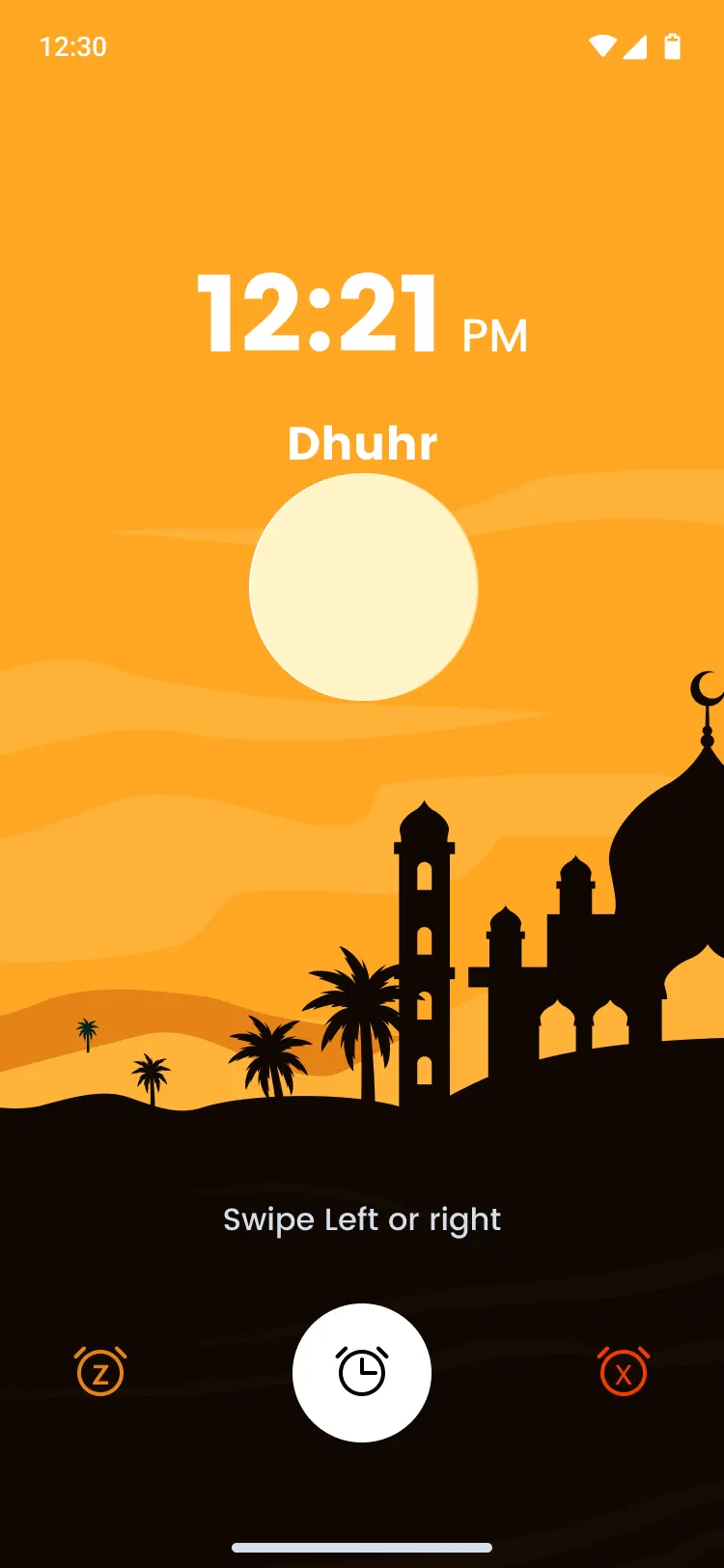
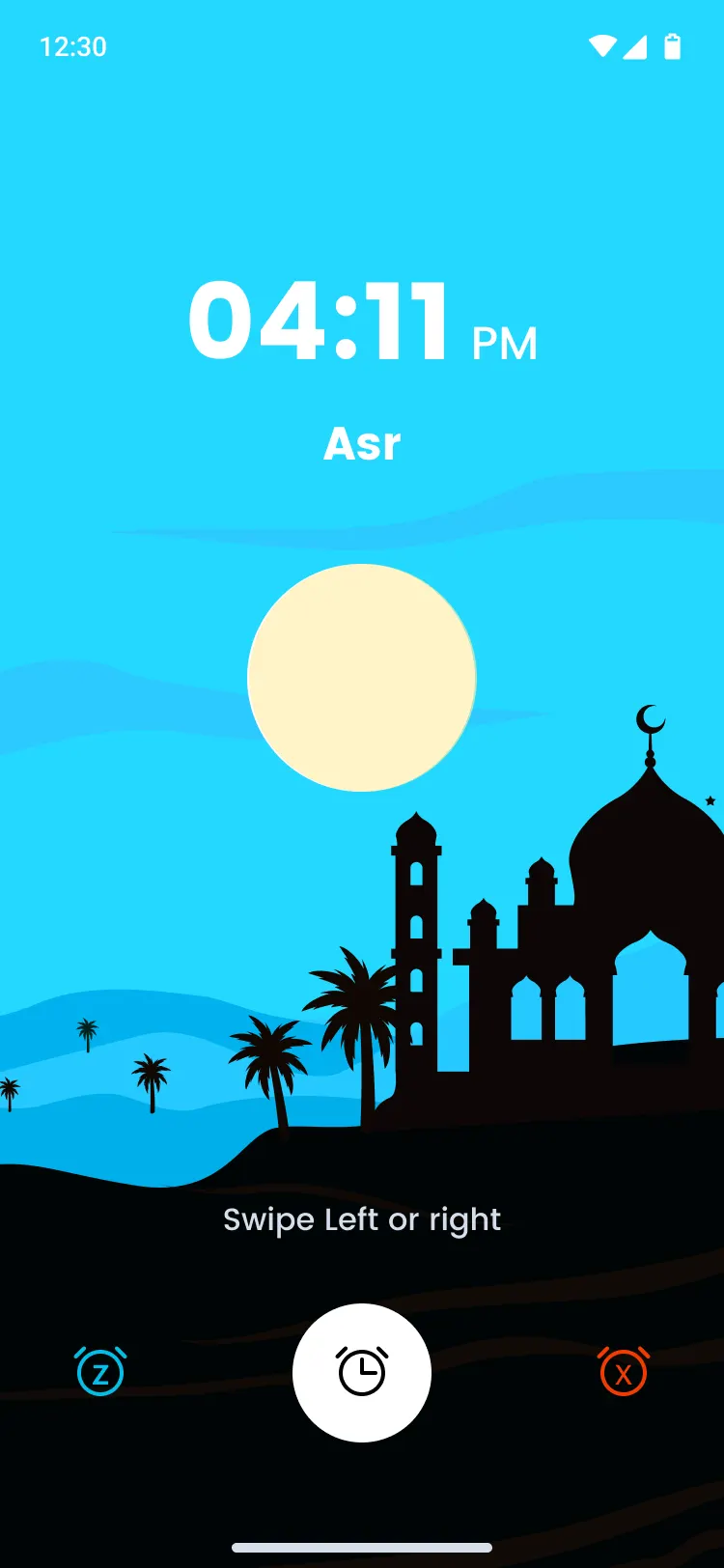
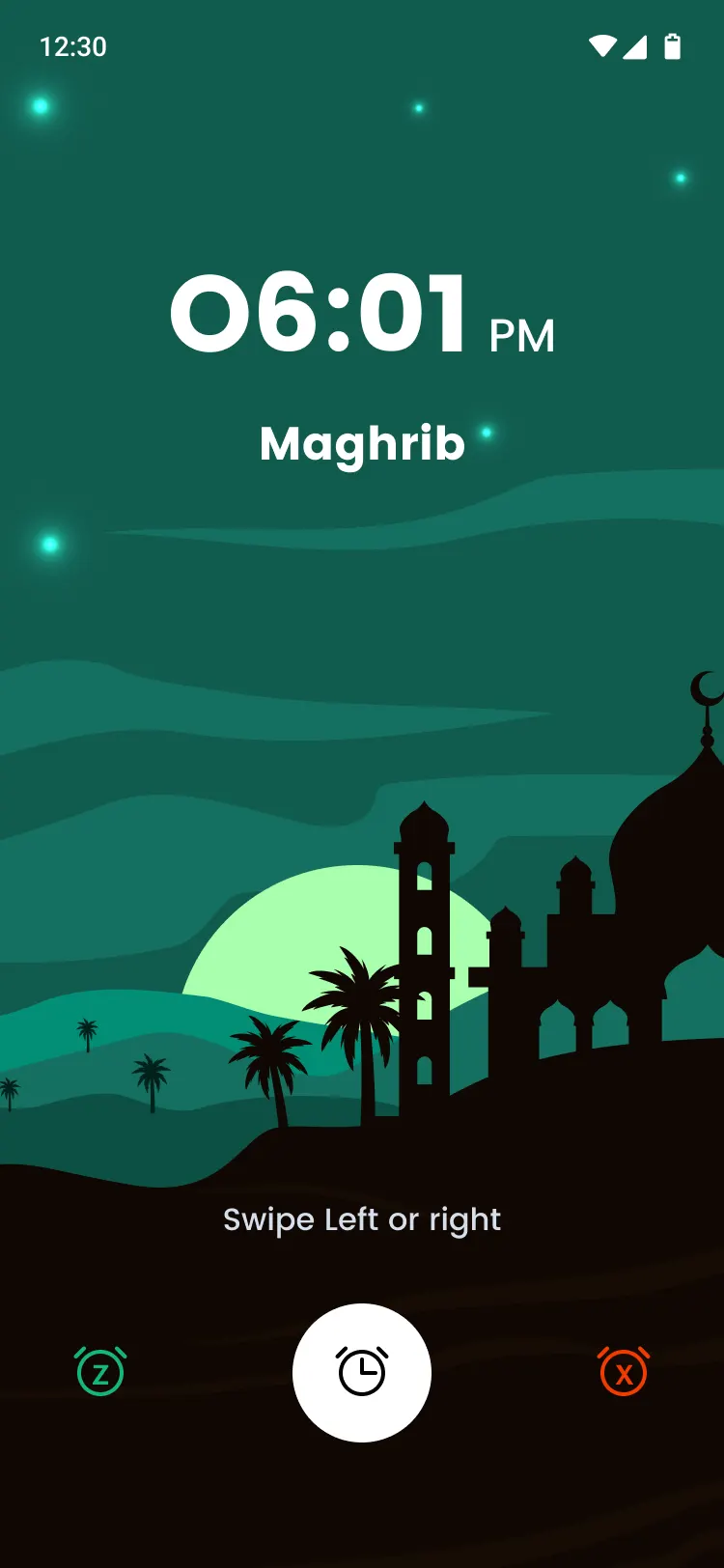
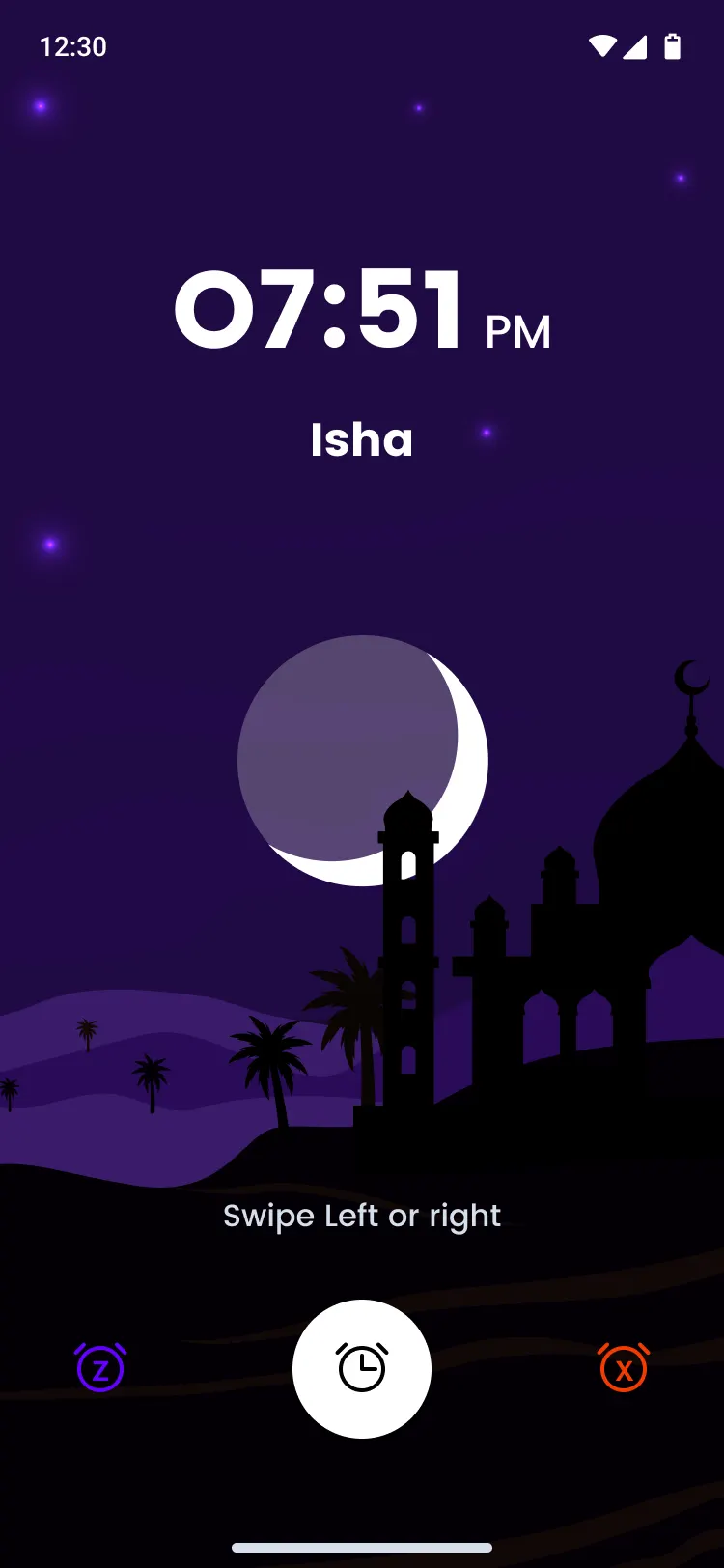
- The alarm screen shows night for Fajr, warm sun for Dhuhr and night for Isha, so the time of day reads at a glance. Swipe to stop.
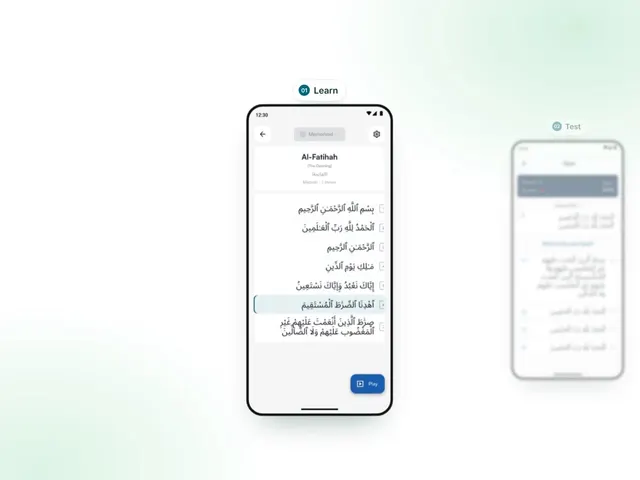
The same product on iPhone and Android
03
Key flow: set an alarm
Home, then the alarm list, switch on Asr, set Fajr to 5 minutes before, and Save. (The cover film shows this flow.)
- 1Home
- 2Alarm list: switch on Asr
- 3Set Fajr to 5 minutes before
- 4Save
04
The alarm itself
When an alarm fires, the screen shows the prayer, the time and its sky, with one large swipe to stop.
05
Results
100K+
downloads on Google Play
- Live on Android and iOS.
06