Chapters
01
Who it is for
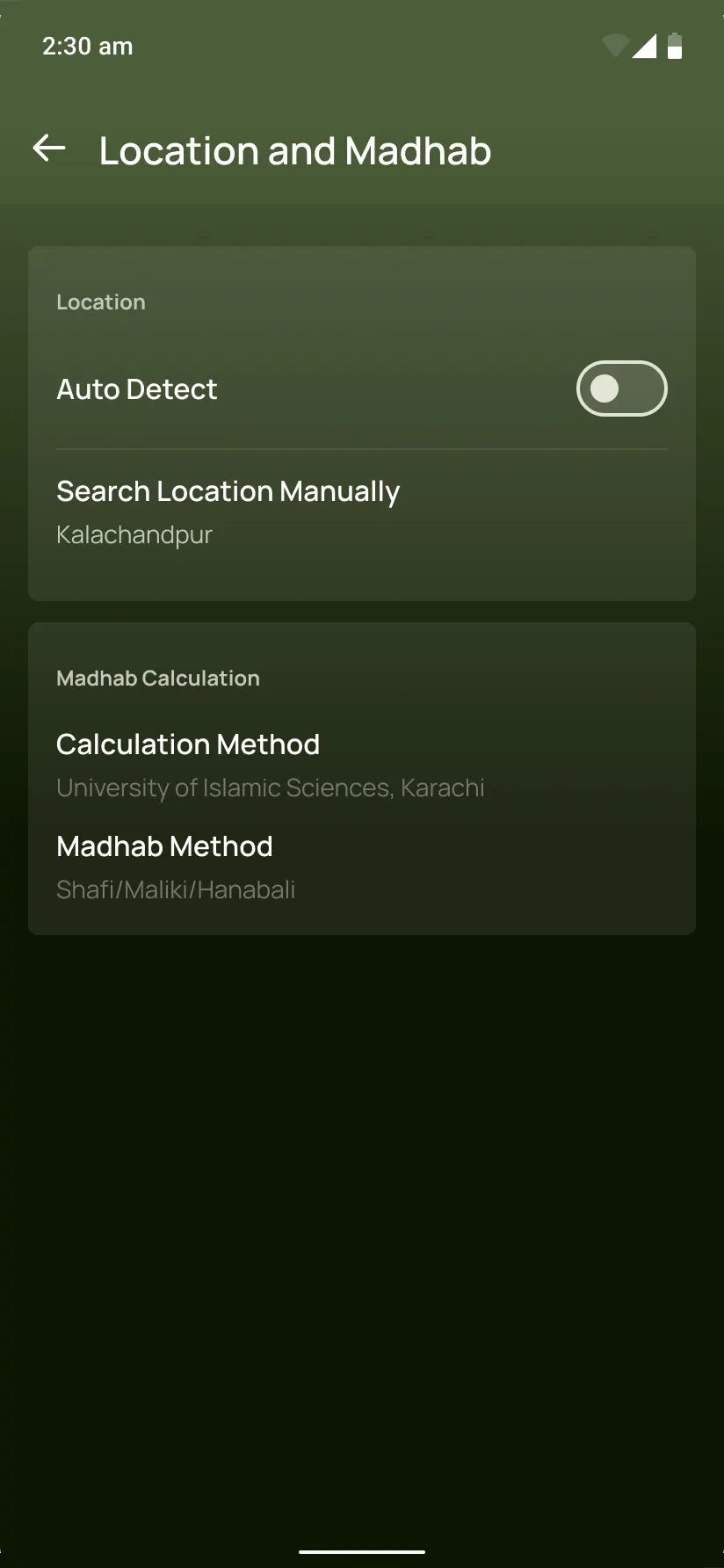
Muslims who pray five times a day and need exact times for where they are, in Arabic, English or Bangla. Times change with location and with the calculation method and madhhab people follow, so both are settings people can change.
02
The audit
I went through the old app screen by screen and collected every place where people had to stop and think: where the next prayer sat, how alarms were set, and how the qibla showed its accuracy. Those notes set the redesign.
03
Design decisions
Next prayer first
- Problem
- The question people open the app with is “when is the next prayer”.
- Decision
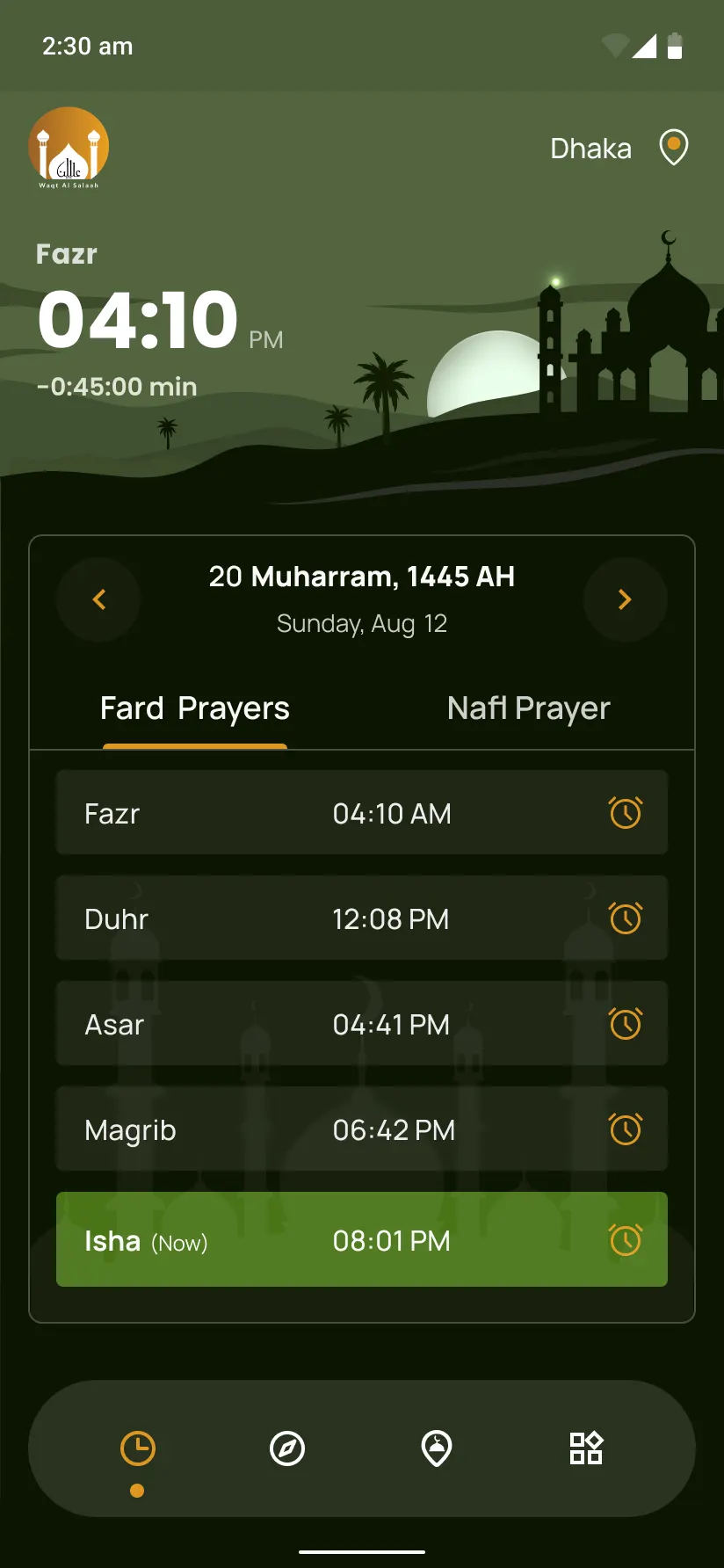
- Home opens on the next prayer and a countdown to it, with the full day's times below.
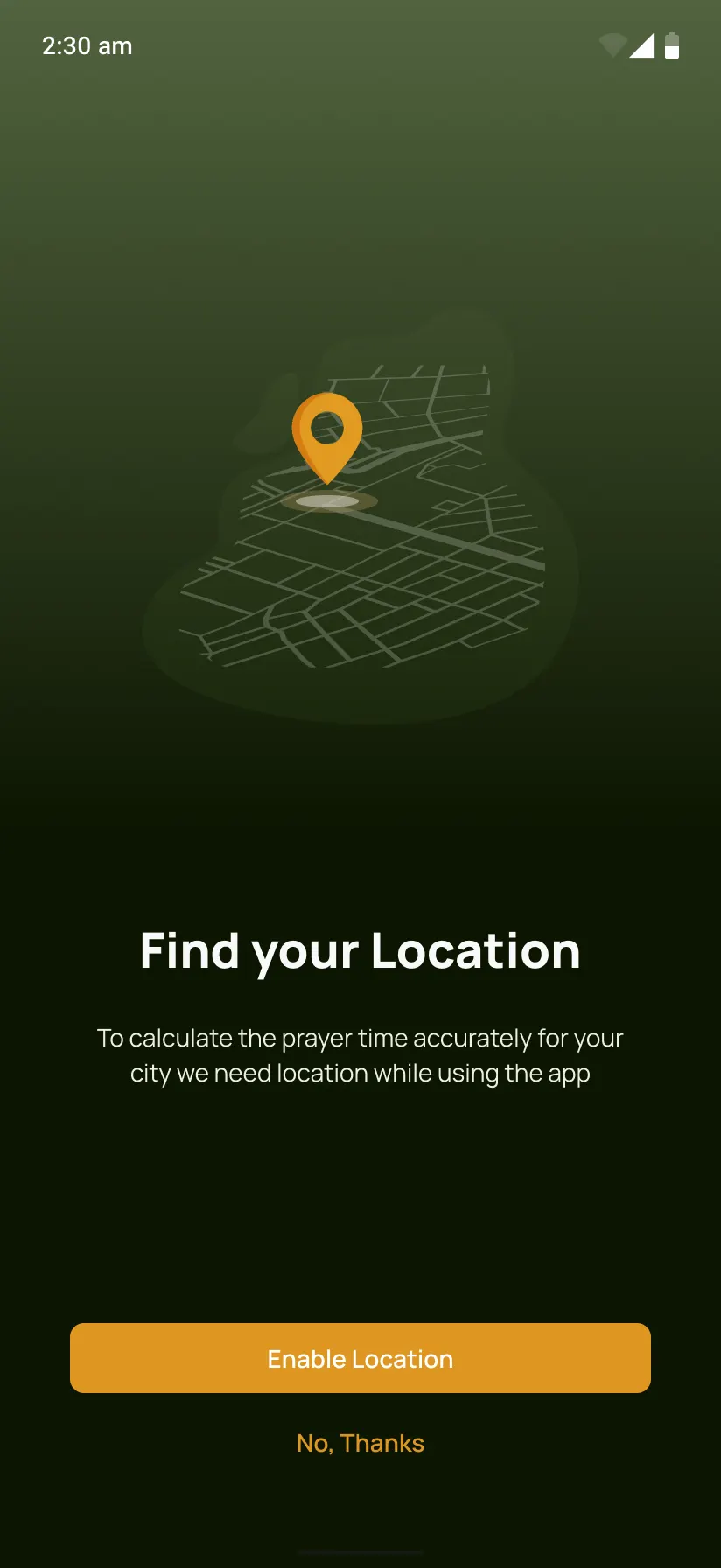
Location before anything else
- Problem
- Without a location, every time on screen is wrong.
- Decision
- Onboarding asks for location with a plain reason.
An adhan for each prayer
- Problem
- People want different alarms for different prayers.
- Decision
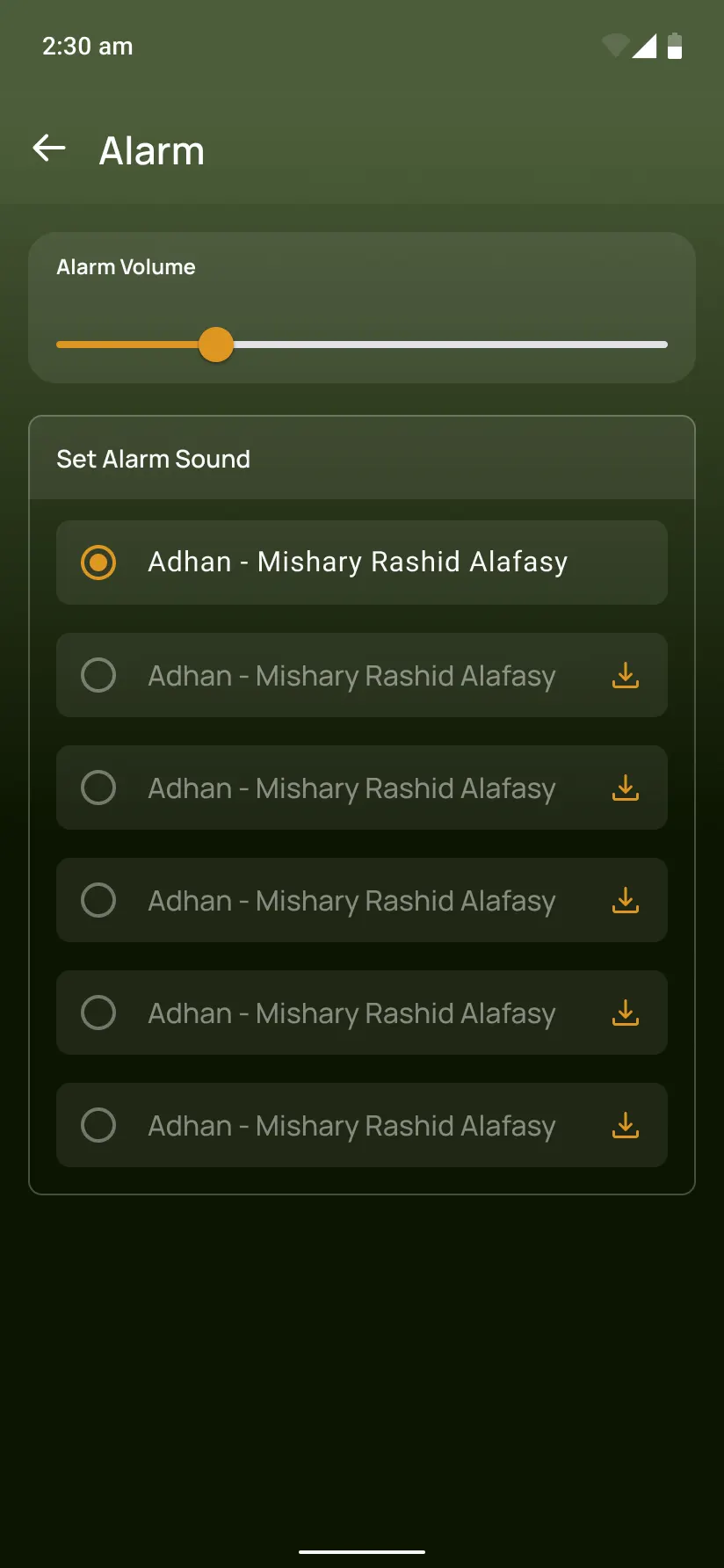
- Each prayer has its own alarm, with volume and a choice of adhan sounds that download on demand.
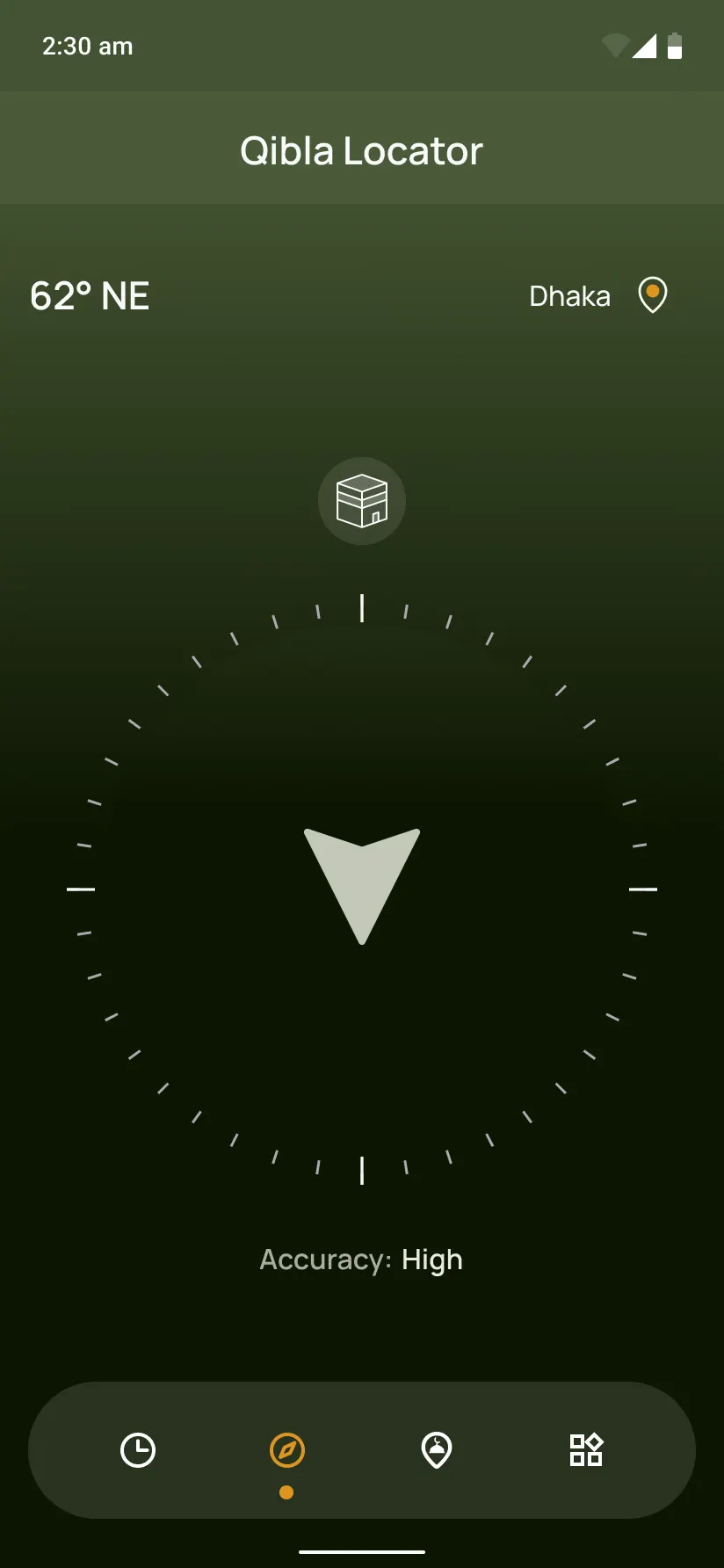
A qibla with honest accuracy
- Problem
- A compass that looks sure but is wrong breaks trust.
- Decision
- The compass shows the bearing (for example 62° NE) and an accuracy level.
Ramadan in one place
- Decision
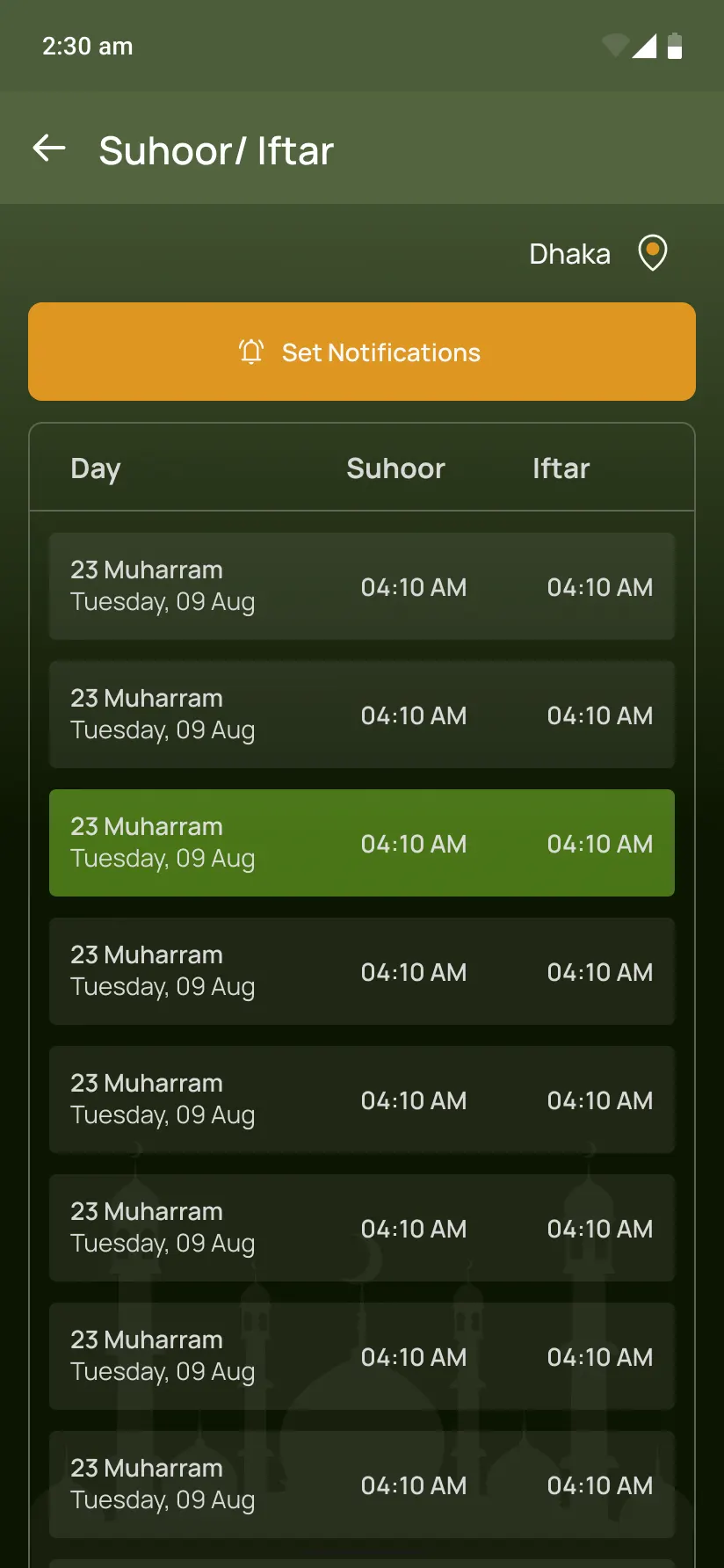
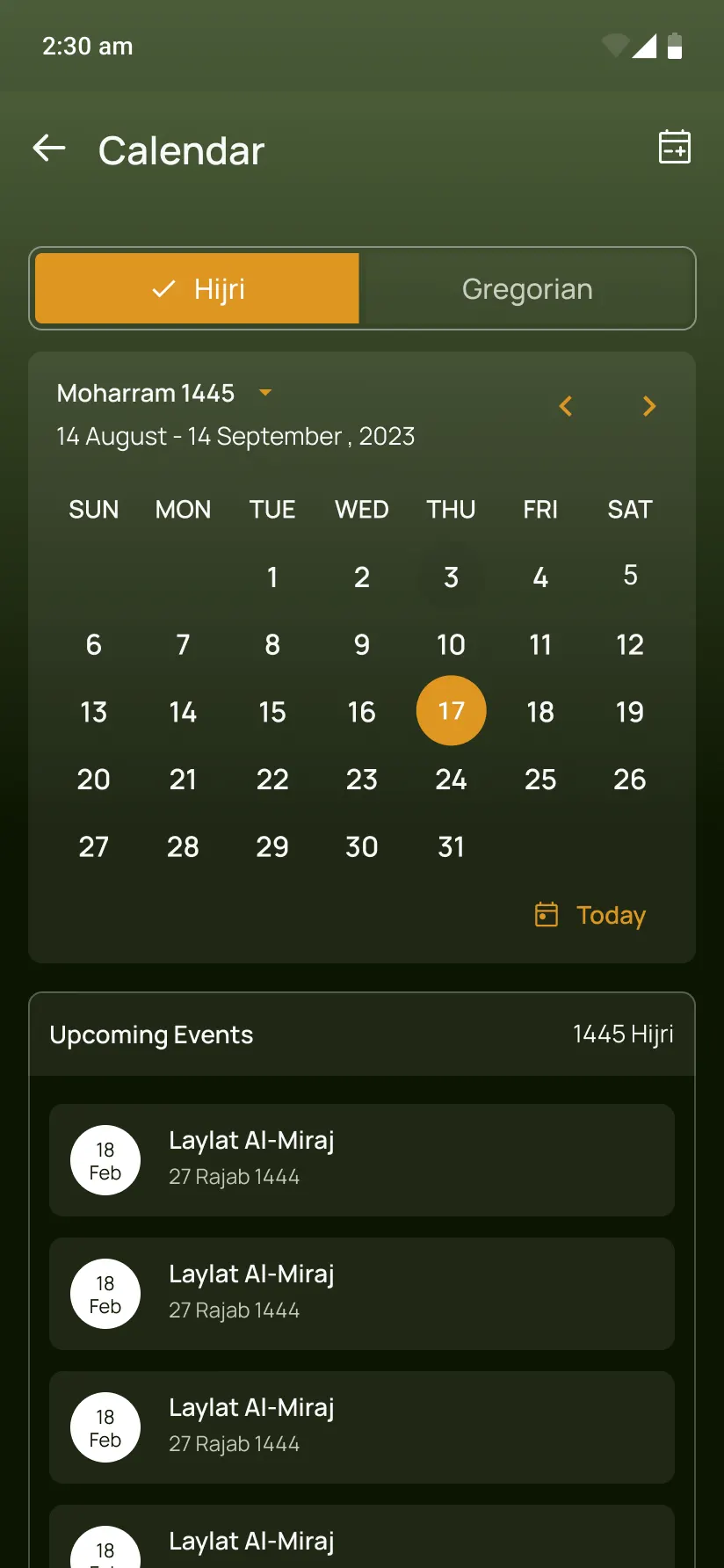
- A suhoor and iftar screen with today's times and the month's timetable, plus a Hijri date people can adjust to match their local moon sighting.
04
Key flow: setting the adhan
Open the app, see the next prayer, tap the alarm icon on a prayer, pick the volume and the adhan, and go back to Home. (The cover film shows this flow.)
- 1See the next prayer
- 2Tap the alarm icon on a prayer
- 3Pick the volume and the adhan
- 4Back to Home
05
Results
100K+
downloads on Google Play
- The redesign shipped and is live on Android and iOS.
06