KpiClock is a team management product that replaces three tools: Hubstaff for time tracking, BambooHR for HR and DocuSign for e-signature. I led it as Product Manager and Lead Product Designer, starting on 14 July 2025 with a team of four. Today it's live with 900+ companies and 25,000+ users.
We built time tracking first, and completely. This post is the feature list, the order, and the trade-offs, for anyone building something similar.
What features does time tracking software need?
This is what KpiClock's first version (V1) shipped, in place of Hubstaff:
- Manual and automatic time tracking, with offline sync and billable and non-billable hours.
- Productivity monitoring with screenshots, plus a blur mode for NDA work.
- Web and app usage, with productivity ratings.
- Native desktop apps for Windows, macOS and Linux.
- 6 integrations: ClickUp, Jira, Trello, Asana, Linear and Monday.com.
- Clients, projects and tasks, and teams.
- Three role dashboards: My, Team and Admin.
- Reports you can export to CSV, Excel and PDF.
- Per-user plans and billing.
Each role gets its own view: employees track their time on the My dashboard and in the desktop tracker, team leads use the Team dashboard, and owners and admins use the Admin dashboard.
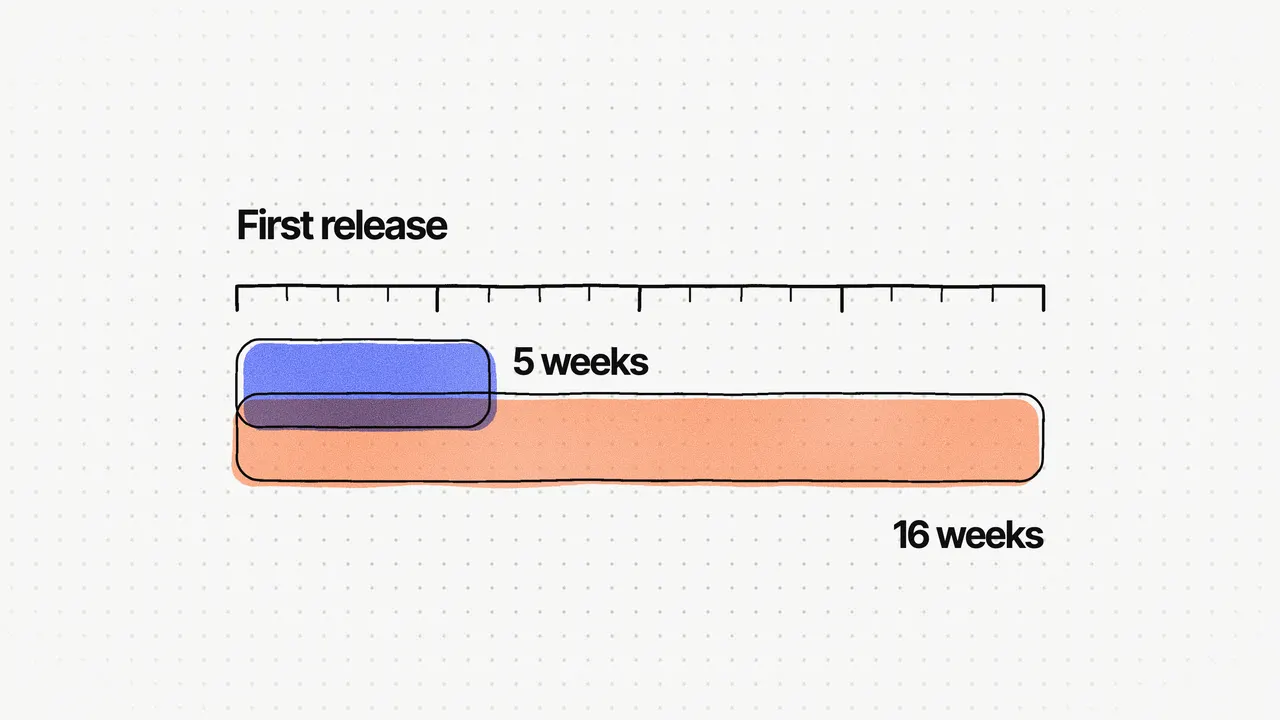
V1 reached beta in about three months. Its design went through a product review on 26 August 2025 and a CEO review on 29 August 2025, and the revised design was ready 8 days after the first review. During beta, the client's own company and two partner companies ran their daily operations on it.
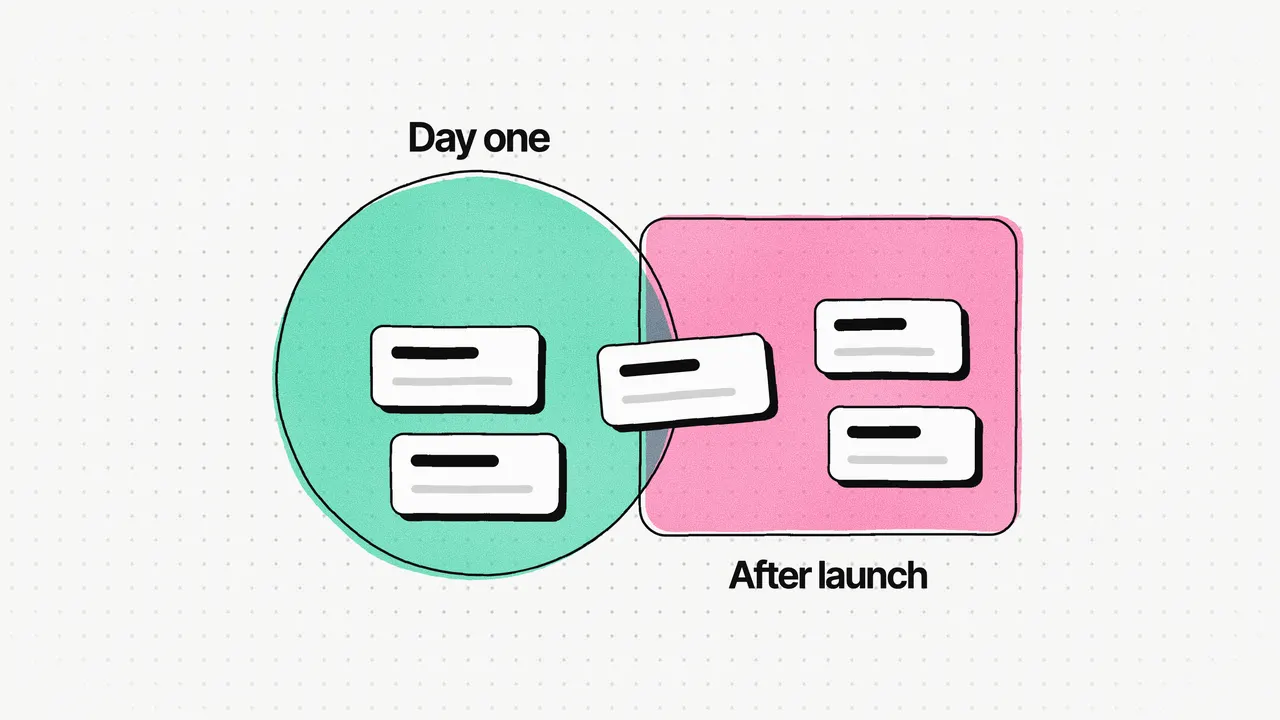
Which features go in V1, and which wait?
| Feature | Why teams need it | Built in |
|---|---|---|
| Manual and automatic tracking, offline sync | The core job; work doesn't stop when the connection does | V1 |
| Billable and non-billable hours | Teams bill clients from tracked time | V1 |
| Screenshots with a blur mode | Proof of work, without exposing NDA client work | V1 |
| Desktop apps (Windows, macOS, Linux) | Tracking happens where people work all day | V1 |
| 6 integrations | Time is logged against tasks in tools teams already use | V1 |
| Role dashboards and exportable reports | Each role sees its own answer; numbers go to payroll and finance | V1 |
| Per-user plans and billing | A product people pay for from day one | V1 |
| Attendance, leave, shifts and rosters | HR runs on the same time data | V2 |
| Documents and e-signature, audit logs | Contracts and records in the same product | V2 |
The "why" column is my reading of each feature. The split between V1 and V2 is exactly what shipped.
How do you build privacy into monitoring?
Managers want proof of work, but teams on NDA client work can't expose their screens. Always-on raw screenshots would have kept those teams out entirely.
So KpiClock takes screenshots with a blur mode. Managers get less visual detail; in return, teams under NDA can adopt the product at all. If your product monitors anything, I'd decide the privacy side in the first week, because it decides who can buy it.
Why do desktop apps and offline sync matter?
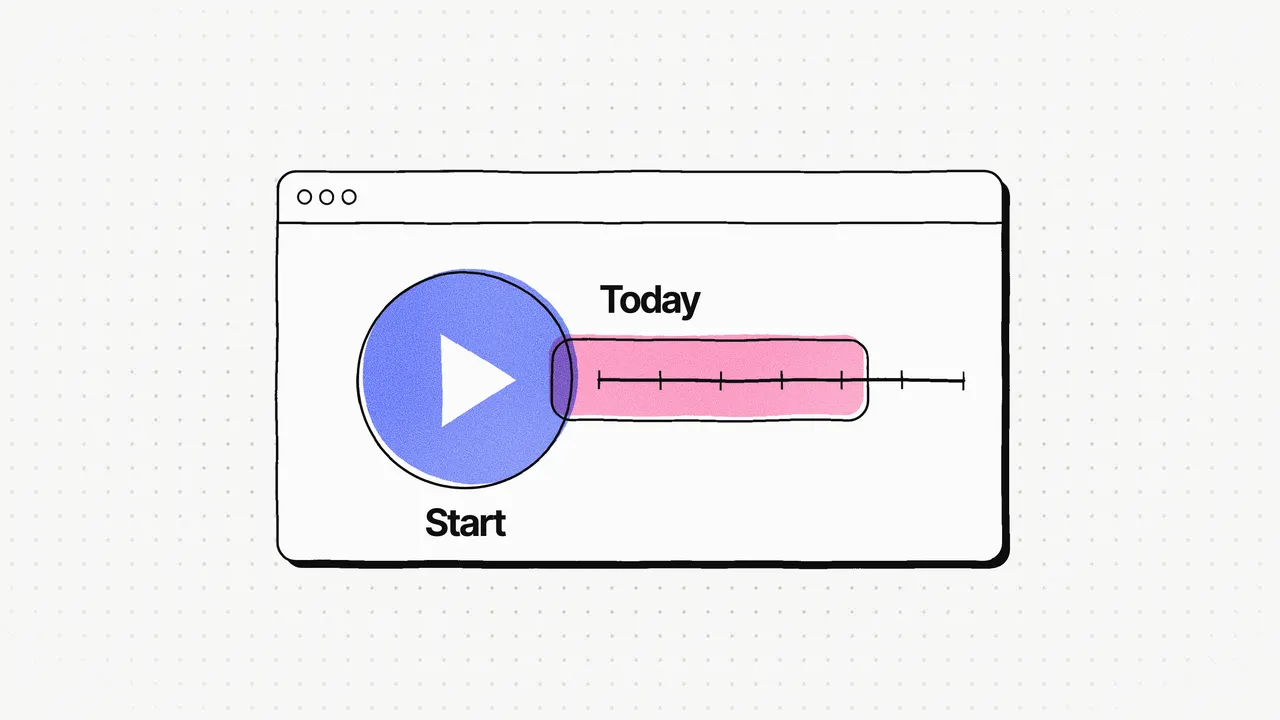
Because the tracker is the part of the product people use every hour, and they use it wherever they work. KpiClock's desktop tracker lets someone pick a project and task, start the timer, and see the time worked today, on Windows, macOS and Linux. Offline sync means time tracked without a connection still counts.
These are the features that are easiest to cut from a first release, and in my experience the most damaging to cut. A tracker that loses time once isn't trusted again.
What should you build second?
The HR side, on the same time data. KpiClock's V2, in place of BambooHR and DocuSign, added:
- Attendance: check-in and check-out, late and absent detection, a monthly calendar, and manual entries with a reason.
- Leave: policies, types, balances, and request and approval.
- Shifts, rosters and public holidays.
- An organogram and departments.
- An employee document repository with templates.
- ESIGN-compliant e-signature with multi-party signing, status tracking and reminders.
- Audit logs for attendance edits, leave approvals and signing.
I mapped the information architecture for V1 first, then grew it for V2. The structure stayed the same: the HR areas (calendar, attendance, leave, departments, organogram, documents and announcements) were added beside the time tracking ones. Time tracking and the HR modules use the same components, built on Ant Design 5, so V2 looks and works like V1.
Leave and rosters need approvals from several people, so V2 also needed approval flows each company could set up itself. I wrote about those in Designing approval workflows for B2B SaaS that don't lose requests.
One thing I'd do differently: design the calendar, the approval workflow and the roster as one shared scheduling foundation from day one. Shifts, leave, holidays and rosters all depend on the same time rules, and building them as separate modules meant reconciling them later.
What changed after launch?
The client saw people start the time tracker but forget to check in, so attendance showed them absent while they were working. The fix: starting the time tracker now marks attendance automatically. One action starts the workday instead of two, and attendance follows actual work, with a single record of time.
That fix only exists because the tracker and attendance live in one product. It's the clearest argument I know for building them together, in that order. The reasoning behind the order is in Replace three tools with one: why we shipped time tracking first.
Frequently asked questions
What features should time tracking software have?
At minimum, manual and automatic tracking, billable and non-billable hours, clients, projects and tasks, dashboards and exportable reports. KpiClock's first version also had offline sync, screenshots with a blur mode, web and app usage, desktop apps for Windows, macOS and Linux, six integrations and per-user billing.
How long does it take to build time tracking software?
KpiClock's first version, time tracking, reached beta in about three months with a team of four. HR and e-signature came after that, in V2.
How do you make employee monitoring acceptable to teams?
Build privacy in from the start. KpiClock takes screenshots with a blur mode, so teams working on NDA client work can use it at all. Managers get less visual detail in return.
How should time tracking software be priced?
KpiClock uses simple per-user pricing in two tiers and said no to per-module pricing. Buyers compare it with three separate subscriptions, so its marketing site has an interactive cost comparison tool to make that comparison easy.
Should time tracking and attendance be separate?
I'd connect them. On KpiClock, people started the tracker but forgot to check in, so attendance showed them absent while they were working. Now starting the tracker checks the person in, and there's a single record of time.