
Most AI features get approved on one good demo. Someone types a well-chosen input, the model gives a great answer, and the team starts building screens around it.
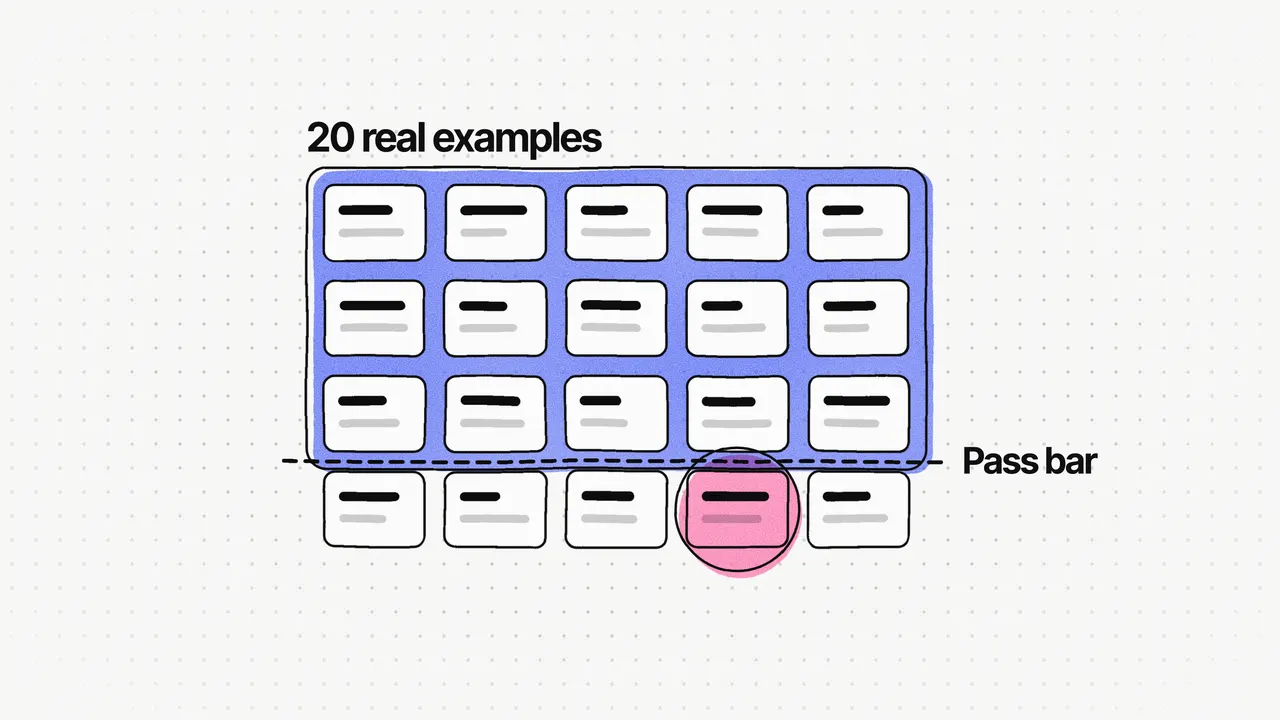
Here's what I do instead. Before any screens are built, I collect 20 real inputs from real users and write down what a good answer looks like for each. Then I run the model on all 20 and score every output as pass, fix or fail, against a pass bar I set before looking. Only then do we decide whether to build.
Why 20? It's enough to see patterns in what goes wrong, and small enough to score by hand in an afternoon.
Why do AI demos mislead you?
A demo is one input that someone picked, usually because it works. Real users bring messier inputs, and that's where AI features break.
I learned this on LeanDeck, the AI proposal, agreement and invoicing tool I lead. At first I judged the AI's output case by case: a proposal looked good, so the prompt looked good. The trouble is that a prompt change that fixed one case could break another, and nothing told us. The hardest part of LeanDeck's AI was accurate, consistent output every time, and you can't see consistency one example at a time.
The lesson I took from it is short: build the AI test set on day one. Today I'd build a fixed set of test cases in week one and score every prompt change against it.
Where do you get 20 real examples?
From the work people already do. Good sources, in the order I reach for them:
- Past documents. If the AI will draft something, ask users for ones they've written before. Remove names, prices and anything personal first.
- User interviews. On LeanDeck, the interviews I ran told us the job: a proposal took agencies 6 to 10 hours, mostly written by hand from scratch. They also gave us the kinds of briefs agencies start from.
- Doing the job by hand. If nothing exists yet, do the task yourself for a few real customers and keep the inputs.
- Support messages and emails. Real wording, real mistakes, real edge cases.
Mix them on purpose. In my practice, about half are typical cases, a quarter are hard ones and a quarter are odd ones: very short inputs, very long ones, missing details, the wrong language. If all 20 are typical, you're testing a demo again. I wrote more on what to do when you have very little to start with in Not enough data for your AI product?.
How do you write the "good answer" for each?
Don't write the perfect output. Write what a good output must contain and must never do, in a few lines you can check quickly.
For a proposal, that might be: the scope matches the brief, every section is there, the timeline is realistic, and no prices are invented. For a summary, it might be: the main facts are right, nothing is made up, and it's under a set length.
This is much easier when the output has a structure. In LeanDeck the AI returns structured, editable sections, so we could check each section on its own instead of judging a whole block of text. More on that choice in Where the AI acts in LeanDeck.
What goes in the scoring sheet?
One row per example, three possible scores, and a note on why. I keep it in a plain spreadsheet.
| Score | What it means | What you do |
|---|---|---|
| Pass | Usable as it is, or with light edits | Nothing |
| Fix | The right idea, but it needs real editing | Note the pattern and change the prompt or the structure |
| Fail | Wrong, made up, unsafe or off the task | Find the cause before anything else |
"Pass" should match the goal you'd show a customer. LeanDeck's goal was AI output that agencies could send with light edits rather than rewrite, so that's what a pass meant.
Set the pass bar before you run anything, or you'll talk yourself into whatever the results are. As an example: 16 of 20 pass, no more than 4 fixes, and zero fails on anything that costs money or trust.
What do you do when it fails?
Three things work, usually in this order.
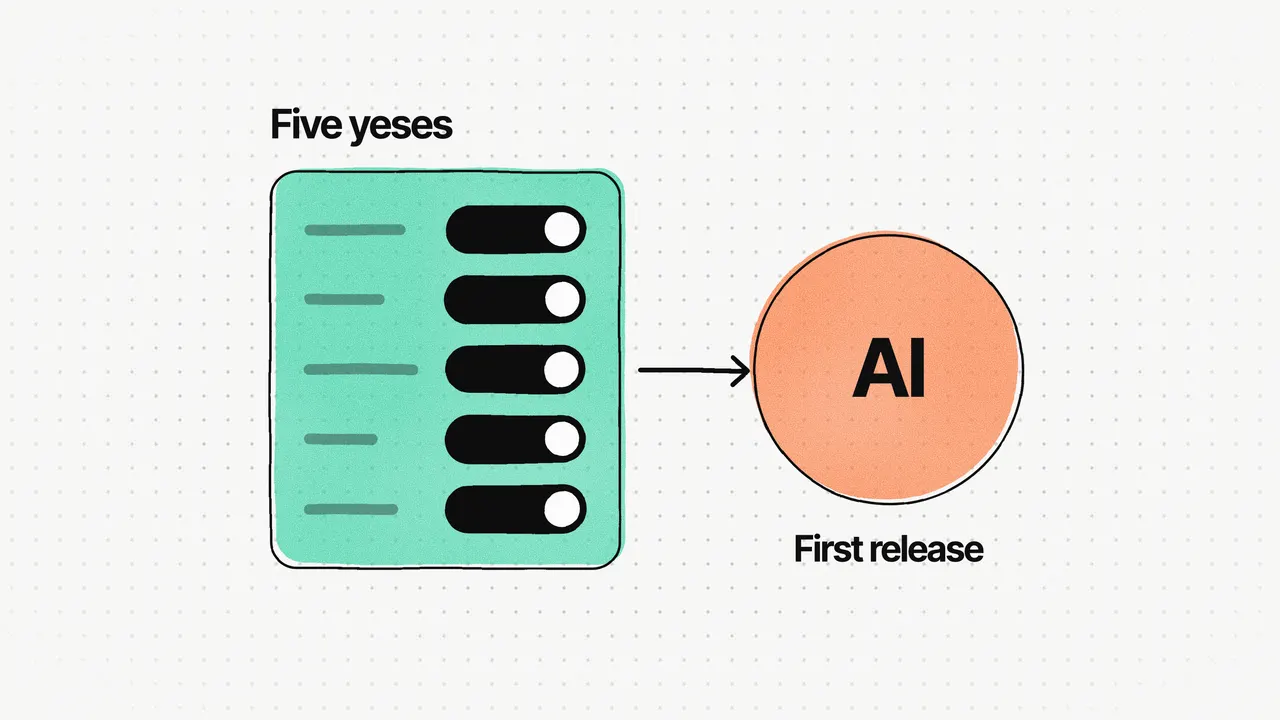
- Narrow the job. Ask the AI to do less. On Varsee, the AI live-shopping platform, the AI works beside the store's salespeople instead of replacing them. Its first release is live sessions, reading the shopper's intent and suggesting products; coaching and try-on come later.
- Add structure. Ask for set sections or fields instead of free text. It's more prompt and evaluation work, and it makes every part checkable.
- Add a review step. Put a person between the AI and the customer until the output earns trust. On SportsOnTV, AI sports summaries arrived in a review panel first, and at launch the client's team reviewed and published each one. The client said the first summaries weren't what he was looking for, so I reviewed the AI's guidelines and instructions and shared what needed to change. After the tuning, his team told us they no longer needed to check each summary.
I cover all three in more depth in How to build an AI MVP.
Why keep the 20 examples after launch?
Because they become your safety net. Every time you change the prompt, switch models or change the output format, run the same 20 and compare the scores. If a score drops, you know before your users do.
Add to the set as you go. Every real failure you see after launch becomes a new example, so the set gets harder over time and closer to real use.
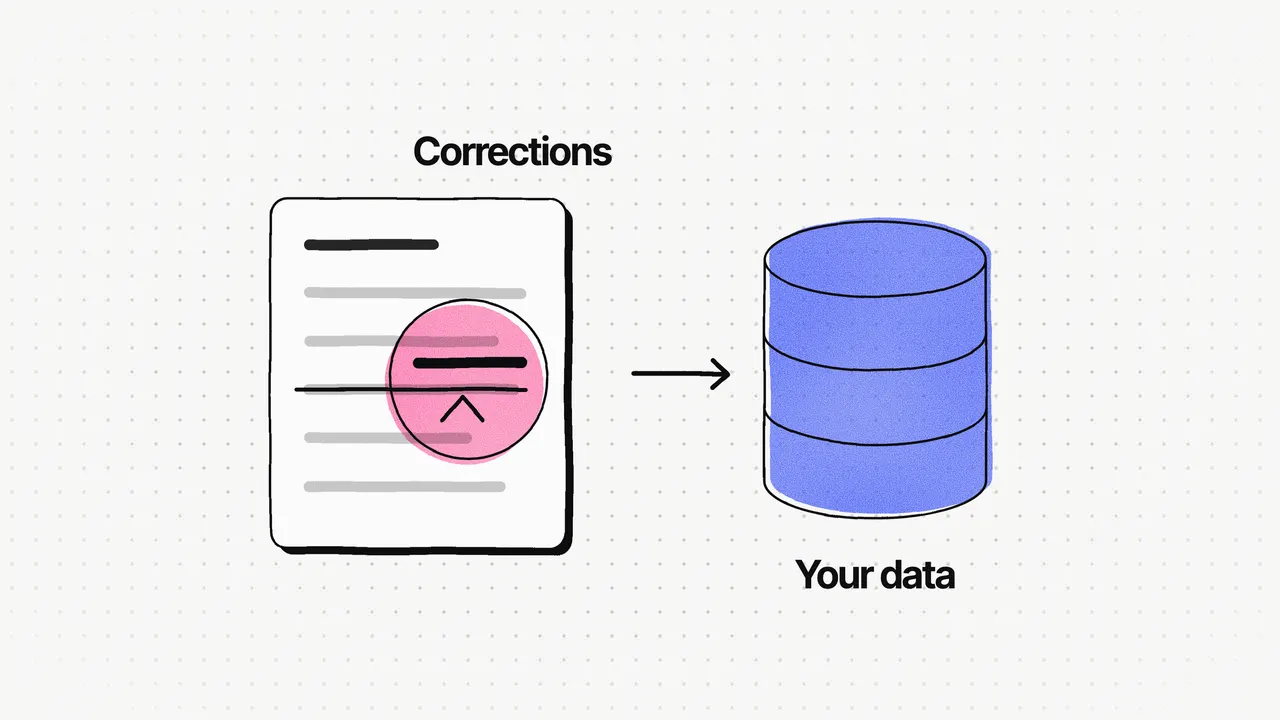
Varsee's lesson was the same idea, earlier in the process: test the AI before every screen. Screens are expensive to change, and a test set is cheap. For the interface side of this, Designing AI features people trust covers how to show AI output so people can check and correct it.
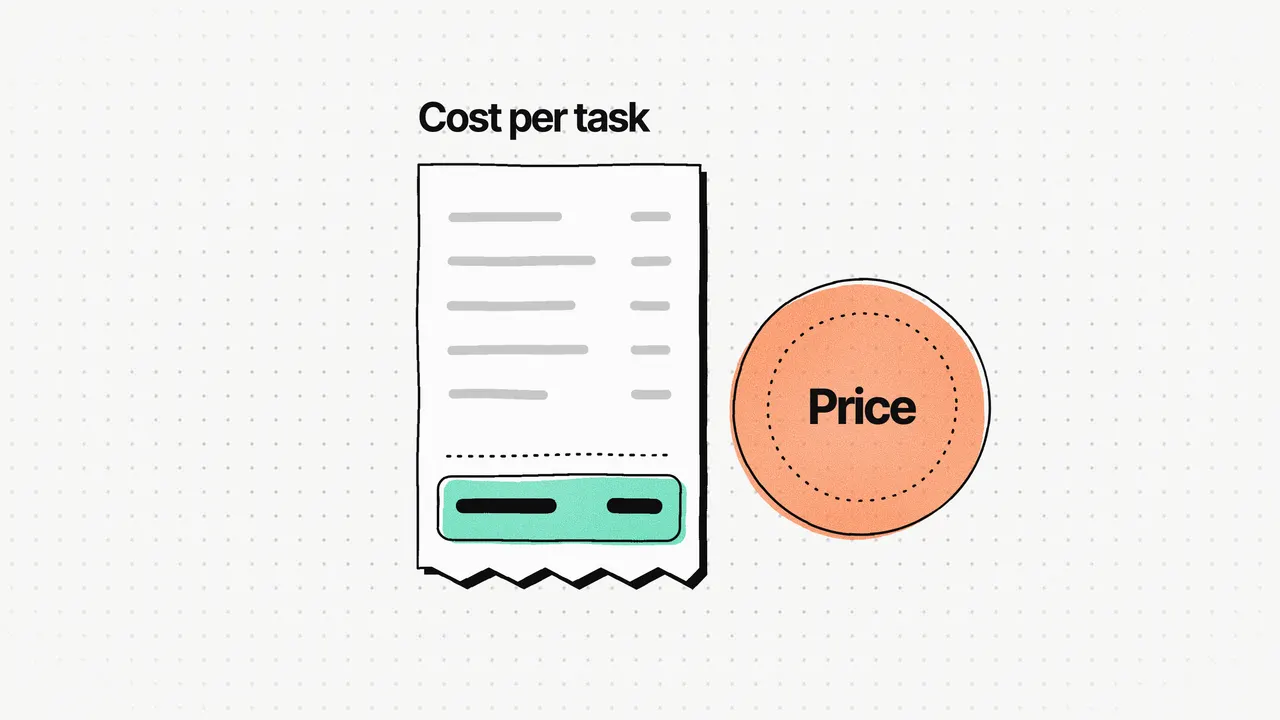
If you already have a product and want to add AI, this test set is the core of my AI feature scoping and evaluation work: we pick where the AI acts, build and score the 20 examples, and work out the cost per task before anything is built.
Frequently asked questions
How many examples do you need to test an AI feature?
I start with 20. That's enough to see patterns in what goes wrong, and small enough to score by hand in an afternoon. Add every real failure you find later as a new example.
What is a good pass rate for an AI feature?
It depends on how cheap a wrong answer is to fix. Set the bar before you run the test. As an example, 16 of 20 usable with light edits, and no failures on anything that costs money or trust, is a reasonable bar for a feature a person reviews before it's sent.
Can you test an AI feature without real user data?
You can start with examples you write yourself, but they'll be easier than real inputs. Past documents, interview notes and work you do by hand first are better sources. Remove personal details before you use them.
How often should you re-run the AI test set?
Every time the prompt, the model or the output format changes, and before every release. A change that fixes one example can quietly break another, and the test set is how you see it.