LeanDeck is an AI proposal, agreement and invoicing tool for design and dev agencies. When I interviewed agencies at the start, a proposal took them 6–10 hours, mostly written by hand from scratch. In LeanDeck, a proposal or agreement now takes about 5 minutes, and 500+ design and development businesses use it.
Speed was only part of the job. Agreements and invoices are financially binding, so the AI's output had to be checkable and easy to correct. These are the seven patterns I designed around that, with what each one cost. A shorter version of the main decision is in Where the AI acts in LeanDeck, and where it doesn't.
Why do people stop trusting AI features?
In my experience, it comes down to two things: they can't tell whether the output is right, and they can't fix it without starting again. A block of generated text has both problems. It's hard to check, and changing one part means rewriting the whole thing.
The stakes decide how much this matters. A wrong sentence in a draft costs a minute. A wrong number on an invoice costs money and a client's trust. So the first pattern isn't about the interface at all.
Which patterns make an AI feature trustworthy?
1. Decide where the AI acts, before designing anything
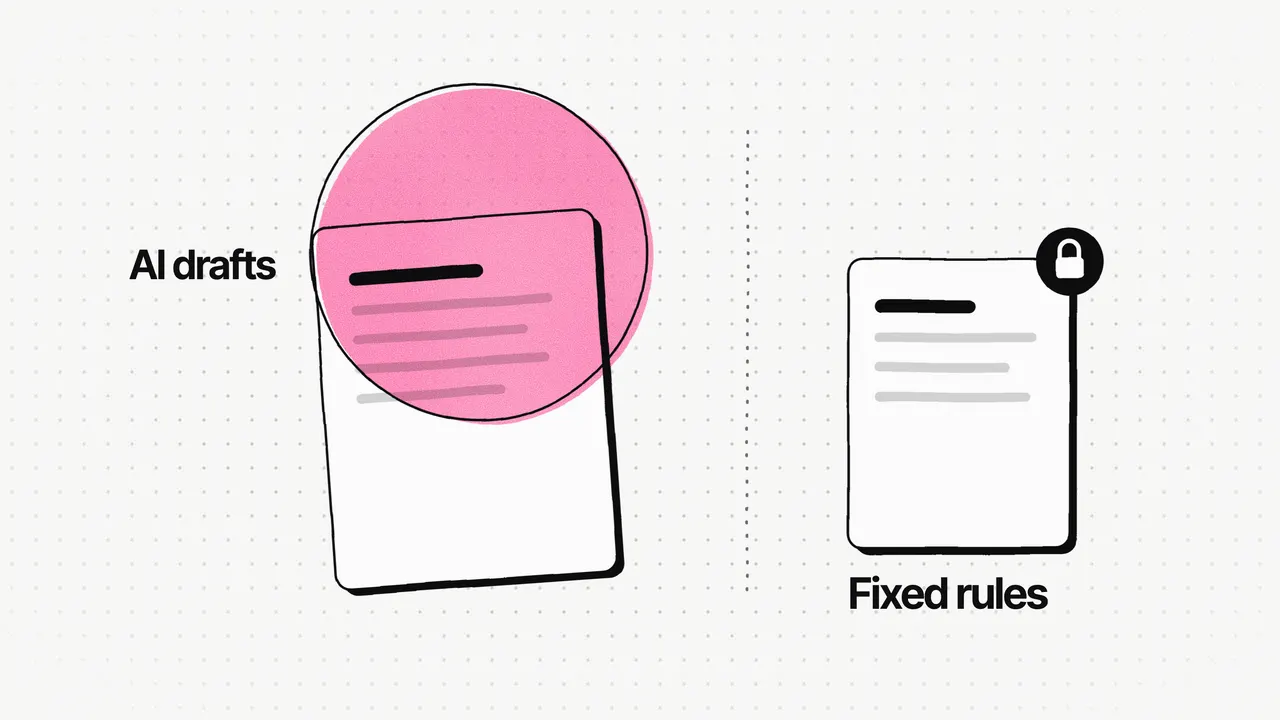
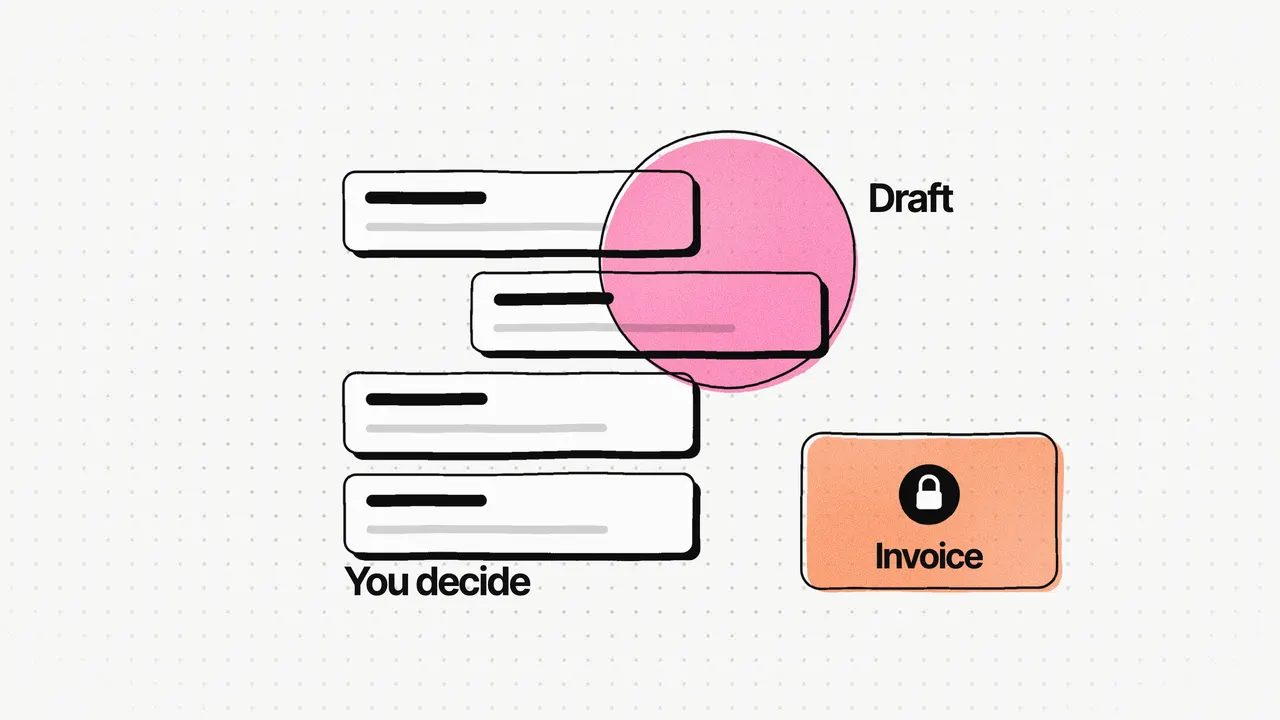
In LeanDeck, generative AI drafts proposals and agreements. Invoicing follows fixed rules. That split was a product decision first: a plausible-but-wrong invoice is a worse failure than a slower one.
SportsOnTV, a 24/7 sports channel and news site, drew the same kind of line differently. AI-written sports summaries are stored and indexed as the site's own content; third-party video and news feeds are displayed in pop-ups and never stored. Deciding where the AI acts came before any screen.
2. Ask before generating, with suggested answers
Agencies arrive in two situations, with a service they sell often or with something new, and a blank prompt box helps neither: people don't know what to type, and the AI gets something different every time. LeanDeck asks a few short questions first (who it's for, the project, the services) with suggested answers to tap. There are two ways to start, from a service template or from scratch with AI, and both go through the same questions.
3. Return structured sections
The AI returns a proposal as structured, editable sections. Each section can be checked, priced and reused on its own. A block of text is something agencies would have to rewrite.
4. Let people edit any part on its own
The editor works at section and sentence level, with AI assistance built in. Each section also has its own settings for content, style and layout, so agencies can shape the document without a design tool.
5. Let people override anything
People can accept, edit or override any AI output without losing context. The product says it plainly: "The AI assists; you decide."
6. Keep fixed rules wherever a mistake costs money
Invoicing stayed on fixed rules, even after launch. When we added conversation-to-documents (paste a client conversation, and the proposal, agreement and invoice are drafted from it), invoice amounts still came from the work and prices agreed in the proposal.
7. Test against a fixed set from day one
I wrote and tested the prompts and defined the criteria for judging AI output. What I'd change is the timing: I'd build a fixed set of test proposals in week one and score every prompt change and every editor change against it, instead of judging output case by case.
What does each pattern cost?
| Pattern | The risk it removes | What it costs |
|---|---|---|
| Decide where AI acts | AI acting where a mistake costs money | Less automation where it would have been easiest to add |
| Ask before generating | Vague prompts and inconsistent drafts | Fewer free-form inputs: the questions set what the AI can use |
| Structured sections | A wall of text that's hard to check or fix | More prompt and evaluation work, slower generation, less freedom for the AI |
| Edit any part | Rewriting everything to fix one sentence | A more complex editor to design and build |
| Override anything | Being locked into what the AI produced | Some automation speed, traded for reviewability |
| Fixed rules for money | A plausible-but-wrong invoice | Less automation in billing |
| A test set from day one | Judging output case by case | Time in week one, before there's much to test |
Most of these costs are on the LeanDeck case study. Two are my own judgement: the more complex editor, and the time a test set takes in week one.
How do you know the AI is good enough to ship?
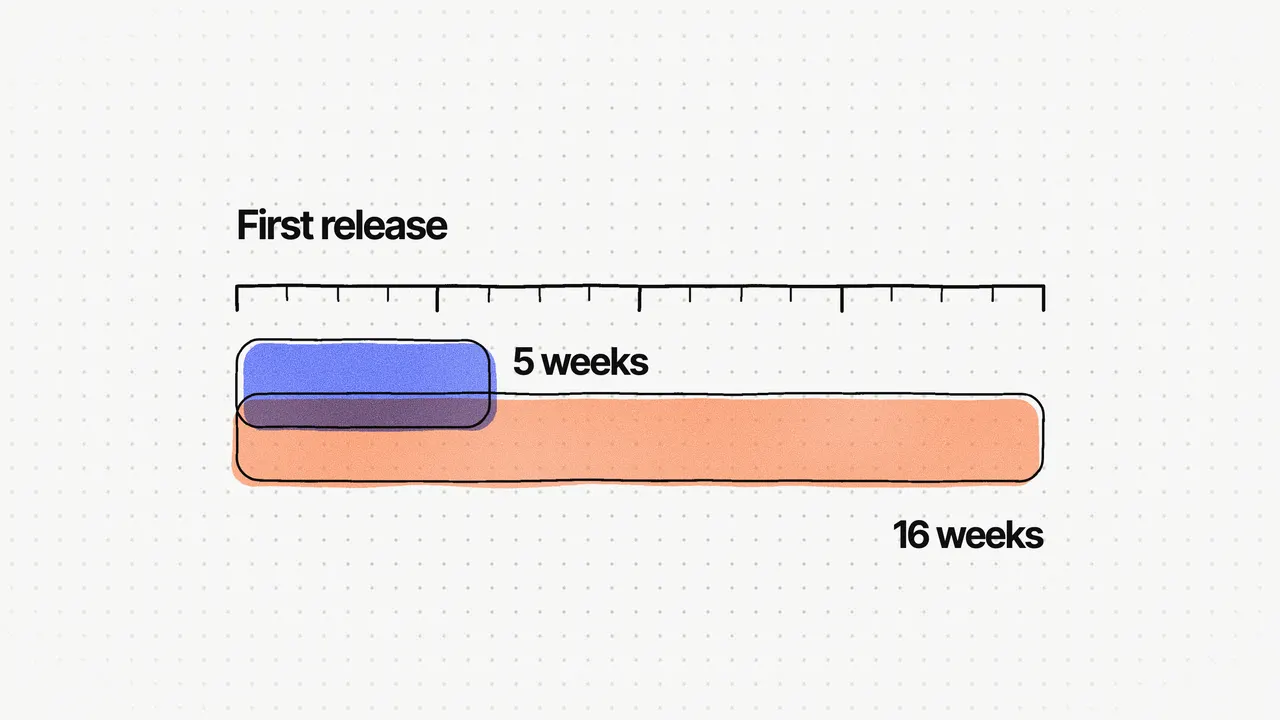
You agree what "good" means before you look at the output. On LeanDeck we built against three goals rather than formal metrics: a beta with real agencies in eight weeks, a first proposal in about ten minutes, and AI output usable as-is, needing only light edits before it's sent. The beta launched in early January 2026 with 6 agencies, 8 weeks after kickoff.
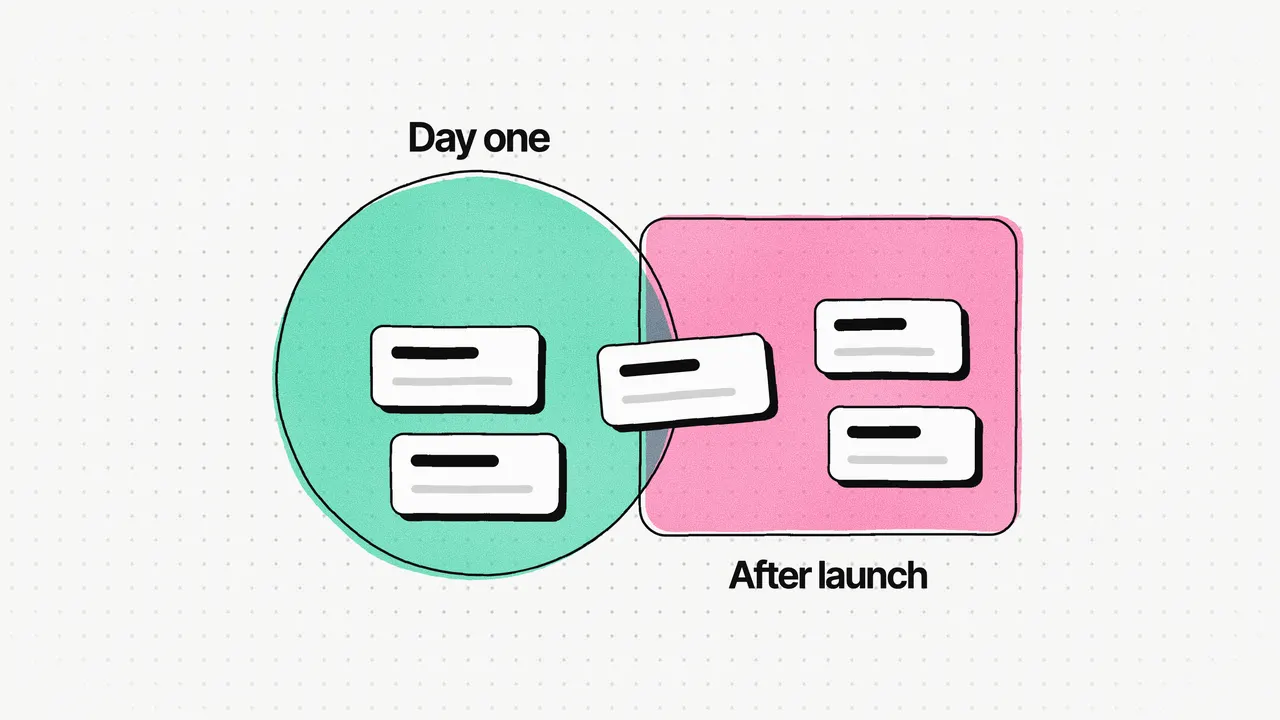
After launch, output keeps improving with feedback. On SportsOnTV, the client wanted the AI sports news to read better, so we improved the summarisation (prompts and output) based on that feedback. Better summaries are what bring visitors back. On LeanDeck, agencies asked to paste a client conversation and get their documents from it, which removed the last manual step: retyping what the client already said.
For more on how SportsOnTV's AI fit into a five-week launch, see Live in 5 weeks against an 8-week plan.
Frequently asked questions
How do you design AI features users trust?
Make the AI's work easy to check and easy to change. In LeanDeck, the AI returns a proposal as separate sections, every section can be edited or overridden, and invoicing stays on fixed rules. The product says it plainly: "The AI assists; you decide."
Should an AI feature use a chat box or a form?
For a task with a known shape, I'd ask a few short questions instead of offering a blank prompt box. LeanDeck asks who the proposal is for, the project and the services, with suggested answers to tap, so the AI gets the same structured input every time and nobody has to know how to write a prompt.
Where should you not use AI in a product?
Where a plausible-but-wrong answer costs money or breaks trust. In LeanDeck that was invoicing, which follows fixed rules, while AI drafts proposals and agreements that a person reviews.
How do you test AI output quality?
Against a fixed set of test cases that you score every change against. On LeanDeck I defined the criteria for judging AI output; next time I'd build the fixed test set in week one and score every prompt change and editor change against it.