In my experience, replacing a system a business runs on every day is one of the riskiest things a product team does. Customers keep arriving while you work, and if the switch goes wrong, the business loses money in front of its customers.
Rooftop Saunas, a London sauna operator, faced exactly that. Its booking software was costing it money, and it asked us for custom booking software built around how it works. That software became Find Your Calm, a booking platform now live with 17 UK operators. The switch-over had one rule above the others: bookings couldn't stop. They didn't.
This is the checklist I'd use for any switch-over, with what we did on Find Your Calm. Where a step is my own general practice beyond that project, I say so.
What makes a platform migration risky?
Three things, in my experience. The old system holds data the business depends on. Customers have habits built around the old system. And the switch happens while the business is open.
On Find Your Calm all three applied. Rooftop Saunas runs private sauna cabins across more than one London location, with every slot priced separately and every location on its own schedule. Its customers booked on its existing WordPress site. And the business couldn't close for a migration.
What's the switch‑over checklist?
| Phase | What to do | How you know it's done |
|---|---|---|
| 1. Before you change anything | Track the old system | You can see where people drop out today |
| 2. Agree success | Agree the main metric and its time window with the client | The metric and the window are written down |
| 3. Map every path | List every user path through the old system | Every scenario has a flow and a wireframe |
| 4. Keep people where they are | Put the new system where customers already go | Customers can use it without learning a new address |
| 5. Move and test | Move all the data, then test every path | Every path works end to end on real data |
| 6. Switch with no gap | Switch only when the new system covers everything | The business never stops serving customers |
| 7. Watch the first weeks | Use behaviour data, feedback and support questions | You know what to fix next |
What should you do before the switch‑over?
Track the old system first. On Find Your Calm, Microsoft Clarity, Mixpanel and GA4 ran on the old system from the start, and on the new platform from launch. That's what showed us where customers dropped out: the biggest drop was in the booking flow.
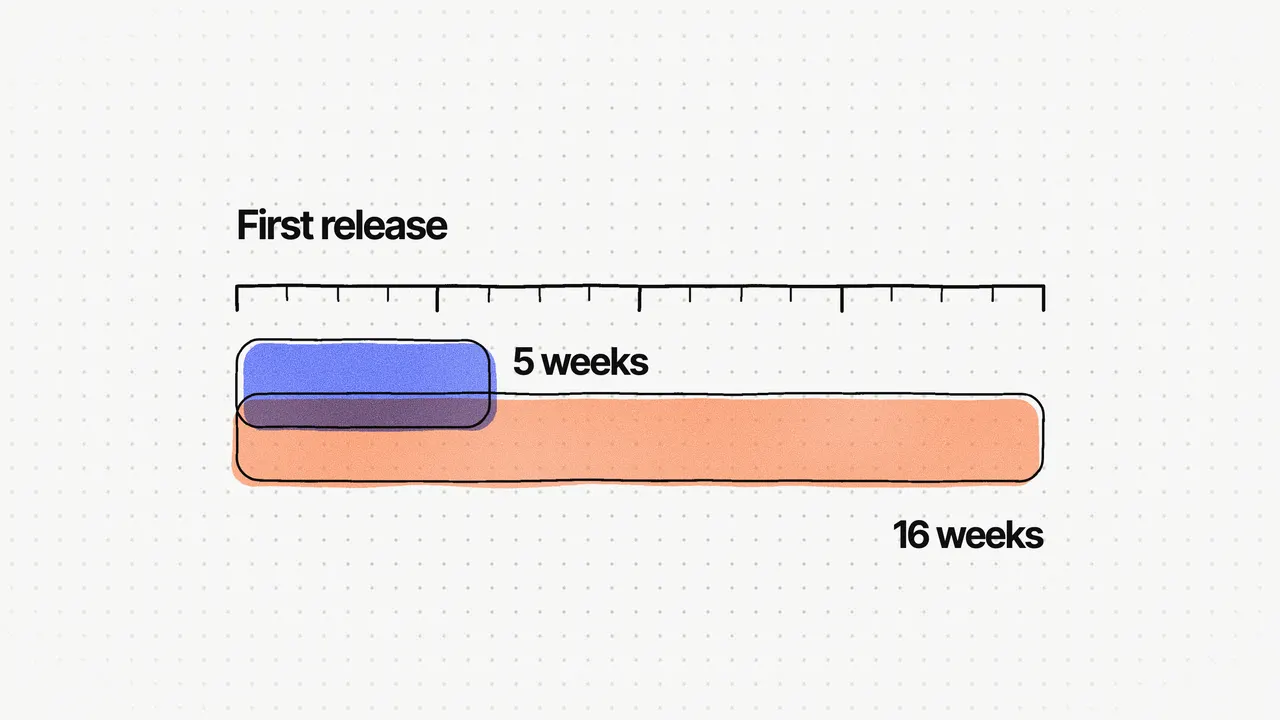
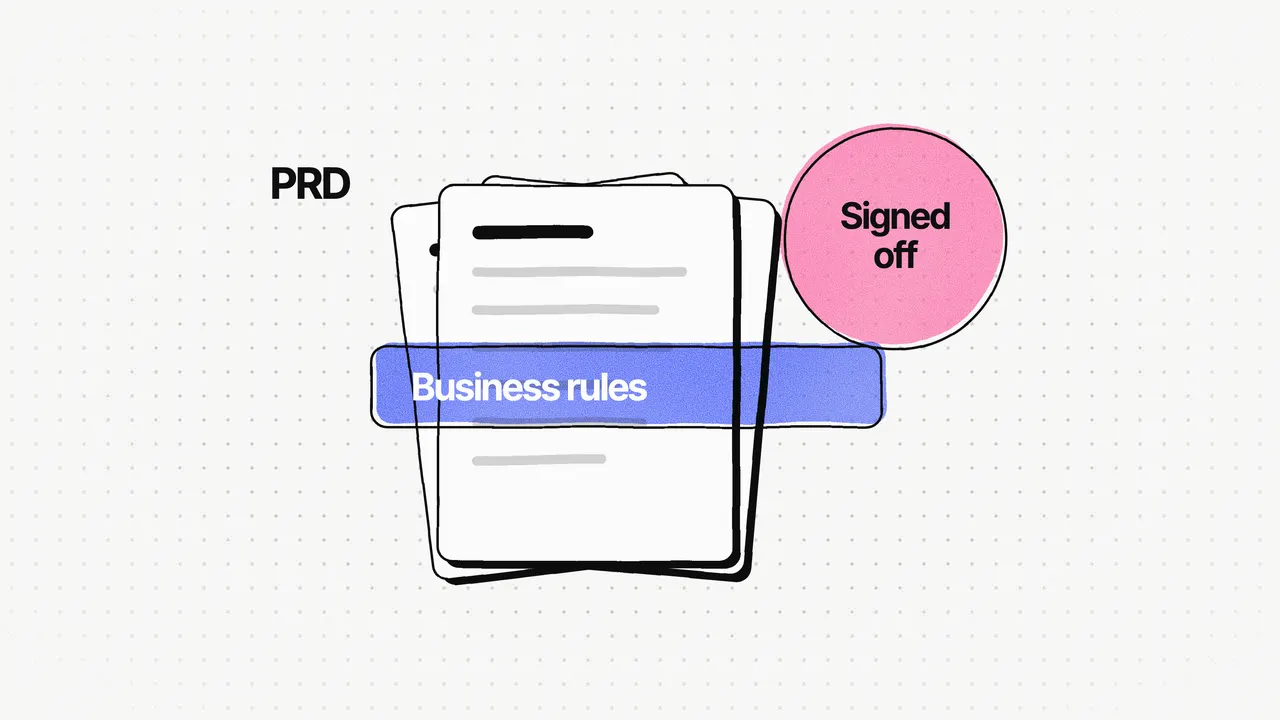
Agree the main metric and its window. The delivery metrics were set upfront: launch in about three months, by August 2025; zero interruption to bookings during the migration; and replace the manual booking work. But booking completion only became a tracked metric after launch. If I did it again, I'd agree how booking completion is measured, and over what window, with the client before the switch-over. That would have made the before-and-after comparison cleaner.
Map every user path. Every booking scenario was mapped before anything was designed, with wireframes in Miro and Figma. A path you haven't mapped is a path you can't test, so mapping comes before building.
How do you move data without stopping the business?
By moving it all, and testing everything that uses it, before anyone depends on the new system.
On Find Your Calm, all data was moved from the old system and every booking path was tested before the switch-over, so bookings kept flowing. Moving Rooftop Saunas across was harder than it sounds: its existing setup had to fit the new platform's shared structure, while bookings kept coming in.
We also kept customers where they already were. The new booking forms and calendars run on Rooftop Saunas' existing WordPress site through a WordPress plugin, so customers kept booking in the same place they always had. In my practice, that's one of the cheapest ways to lower the risk of a switch: change the system, and leave the address alone.
How do you switch with no downtime?
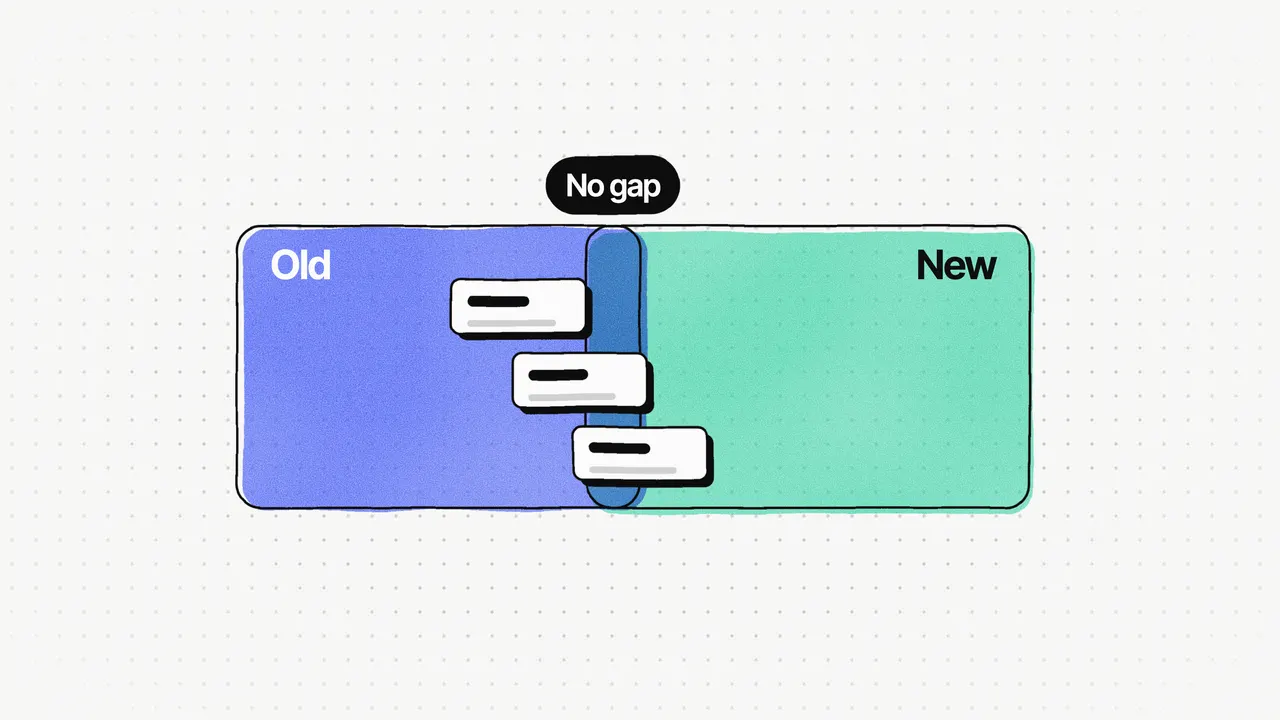
Make "no interruption" a goal from the start, and switch only when the new system does everything the old one did.
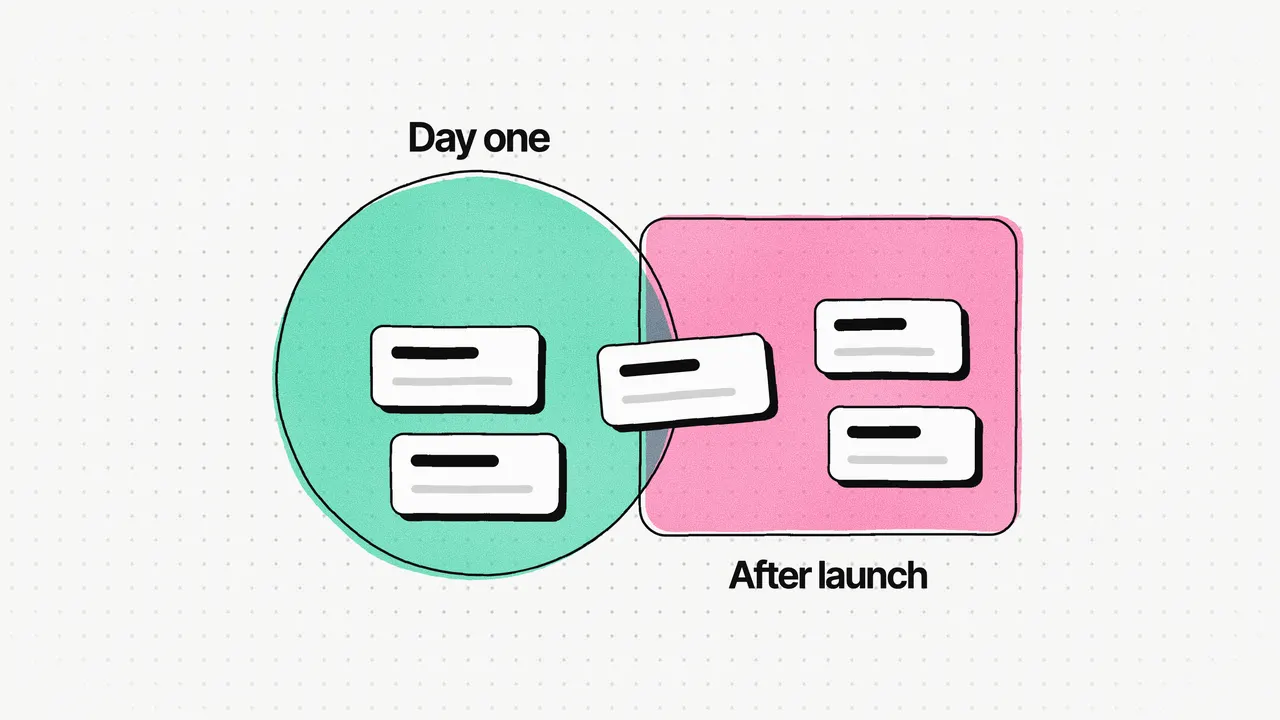
On Find Your Calm, "zero interruption to bookings during the migration" was one of the success metrics set upfront, alongside the launch date. That put the switch-over into the plan from day one. The platform launched on time in August 2025, with bookings flowing through the switch-over. It replaced 100% of the manual booking work, bookings went up, and the losses from the old software stopped.
Weekly client check-ins helped too. We met the client every week and researched each sprint's requirements before starting it, so nothing had to be rebuilt late in the plan.
What should you watch after the switch?
Everything customers do, closely, for the first weeks. After launch, I led the work to improve the booking journey end to end, using where customers dropped out, behaviour data from Microsoft Clarity, Mixpanel and GA4, session feedback and common support questions. Booking completion rose 31% against the old system after the new design replaced it.
Support questions are underrated in my experience. They tell you, in customers' own words, which paths confused them. I'd read every one in the first weeks after a switch.
For the booking patterns themselves, see Booking flow UX: 8 patterns that help people finish booking. For the wider set of checks before any launch, see A launch-readiness checklist for SaaS products.
Frequently asked questions
How do you migrate to a new platform without downtime?
Make "no interruption" a success metric from the start, test every user path and move all the data before the switch, and switch only when the new platform handles everything the old one did. On Find Your Calm, bookings kept flowing through the switch-over.
What should a data migration checklist include?
What data exists in the old system, where each part goes in the new one, a full move before the switch, and a test of every path that uses that data. On Find Your Calm, all data was moved from the old system and every booking path was tested before switching over.
When should you start tracking metrics in a migration?
Before the switch, on the old system. On Find Your Calm, Microsoft Clarity, Mixpanel and GA4 ran on the old system from the start. What I'd do earlier is agree how the main metric, booking completion, is measured and over what window.
How long does a platform migration take?
It depends on what's being replaced. Find Your Calm replaced Rooftop Saunas' booking software in about three months, from June to August 2025, as part of building the new platform.